Plus Branding / Brand Design
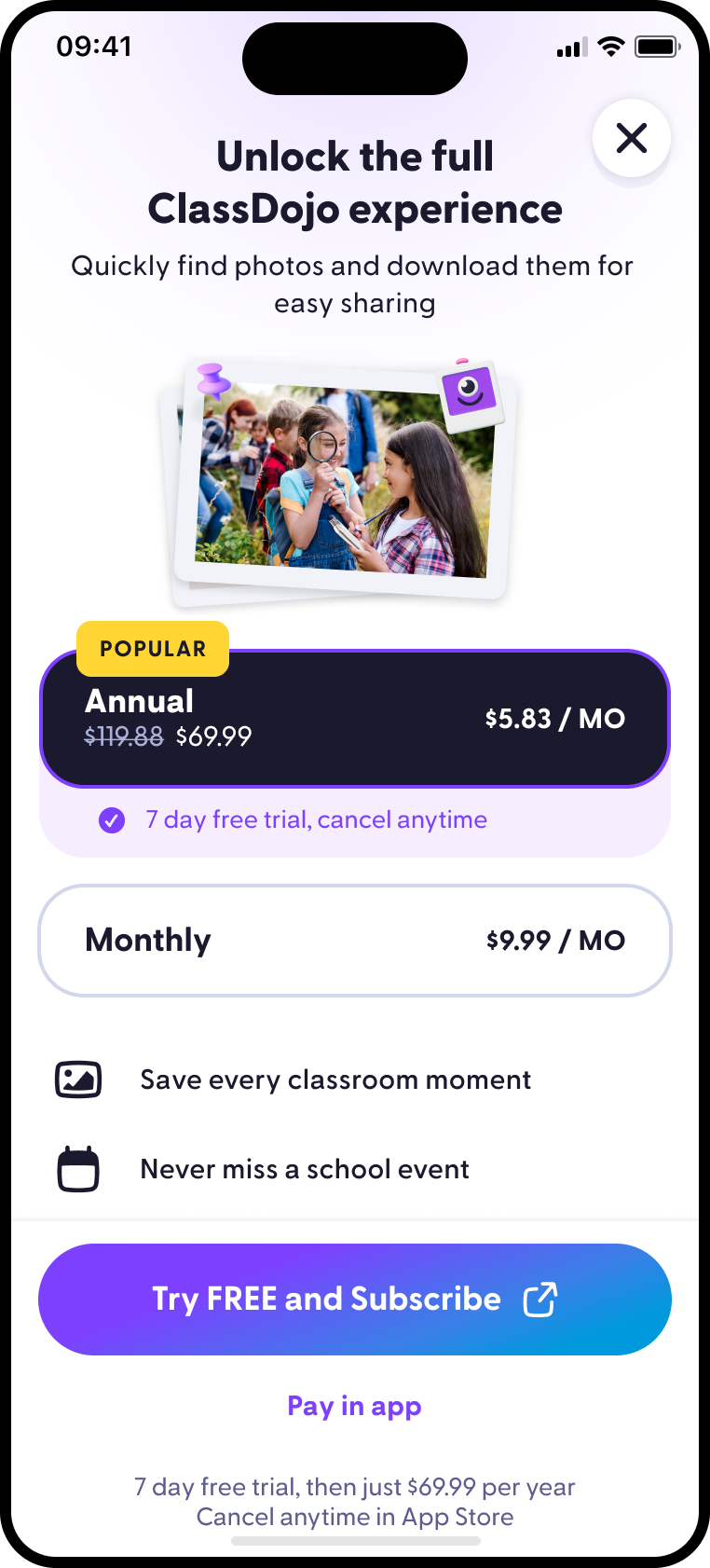
Established Plus as a premium family product inside the ClassDojo app, using illustration, clearer plan hierarchy, and a more emotional upgrade moment.
Product designer and design engineer at ClassDojo. Previously at Dropbox and Snapjoy.
Established Plus as a premium family product inside the ClassDojo app, using illustration, clearer plan hierarchy, and a more emotional upgrade moment.
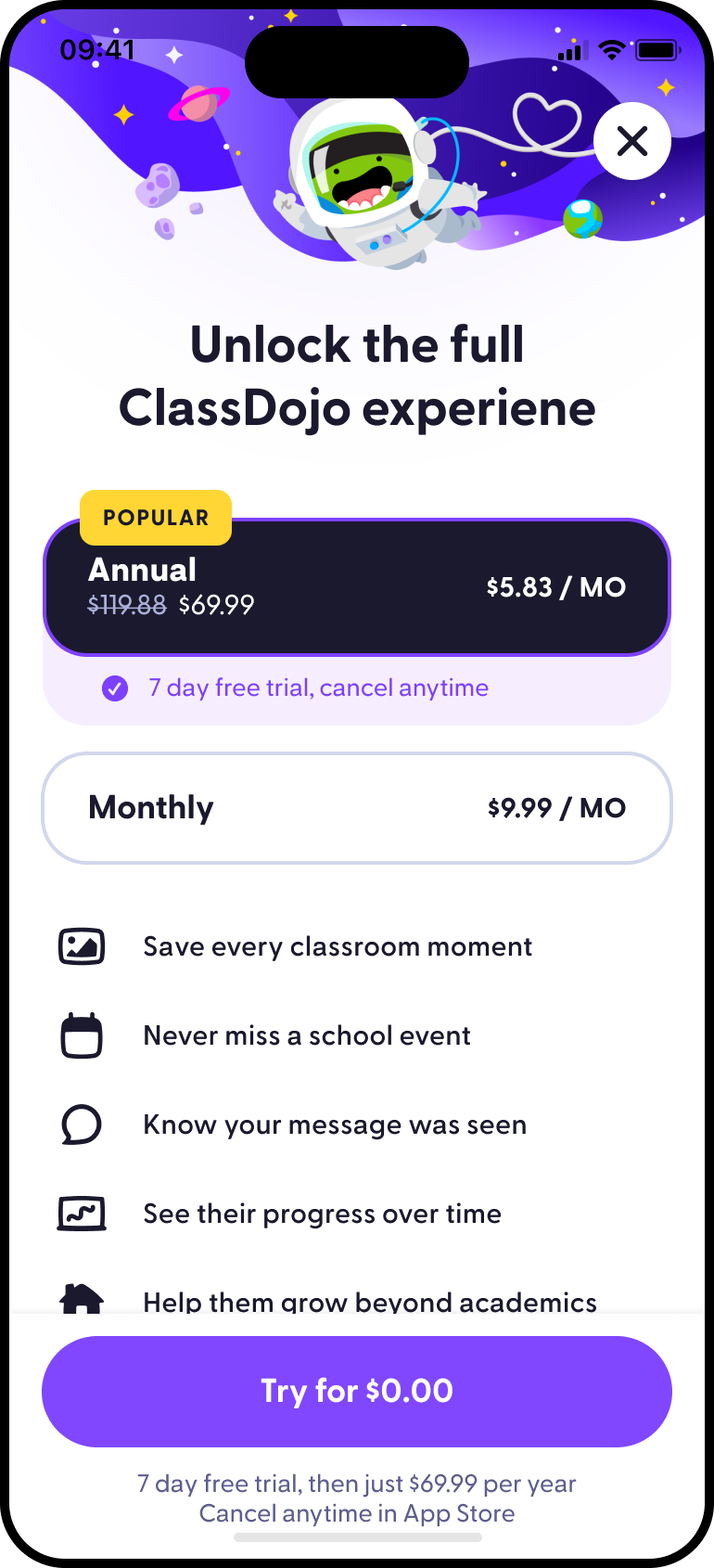
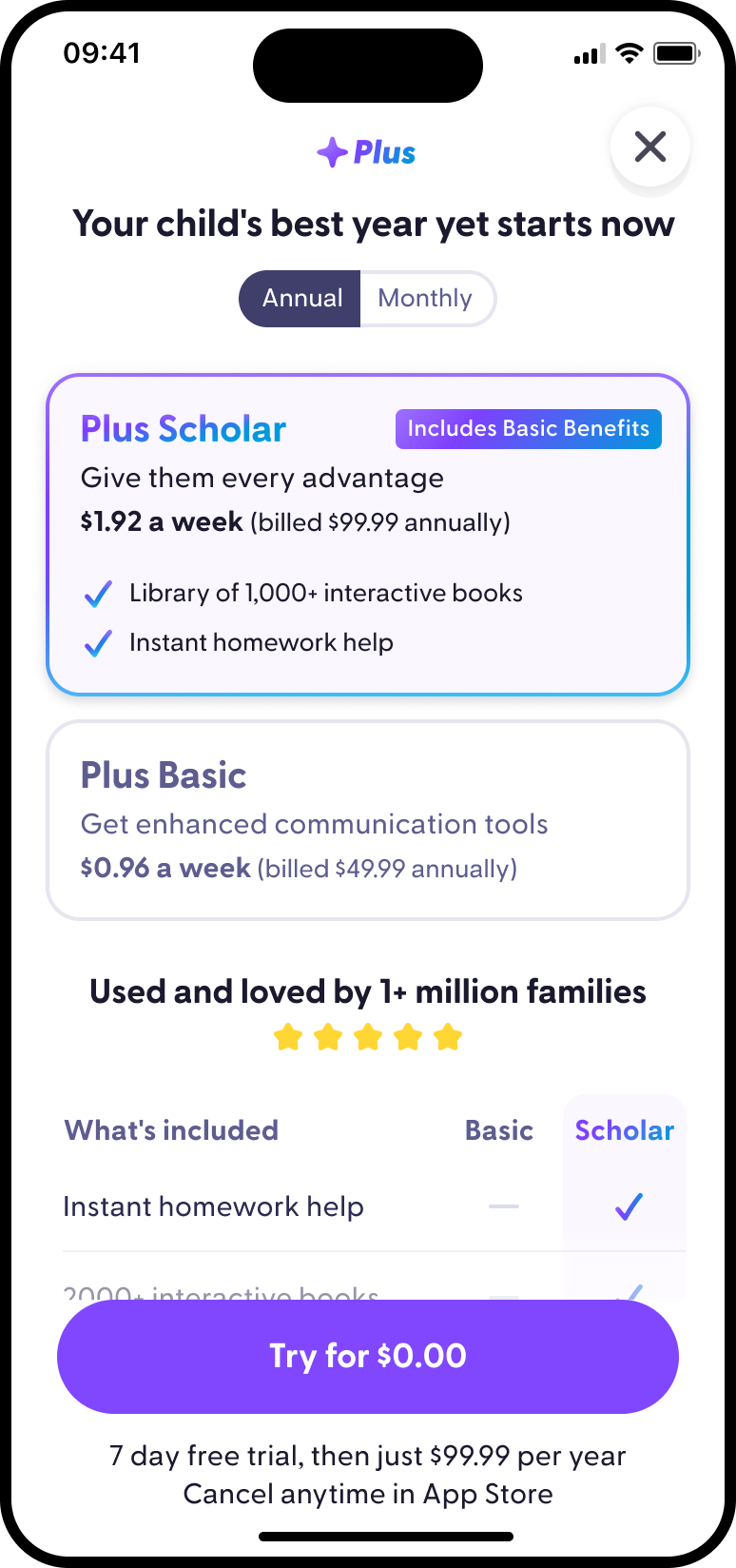
Redesigned the main subscription surface around clearer value, trust, plan hierarchy, and trial intent.
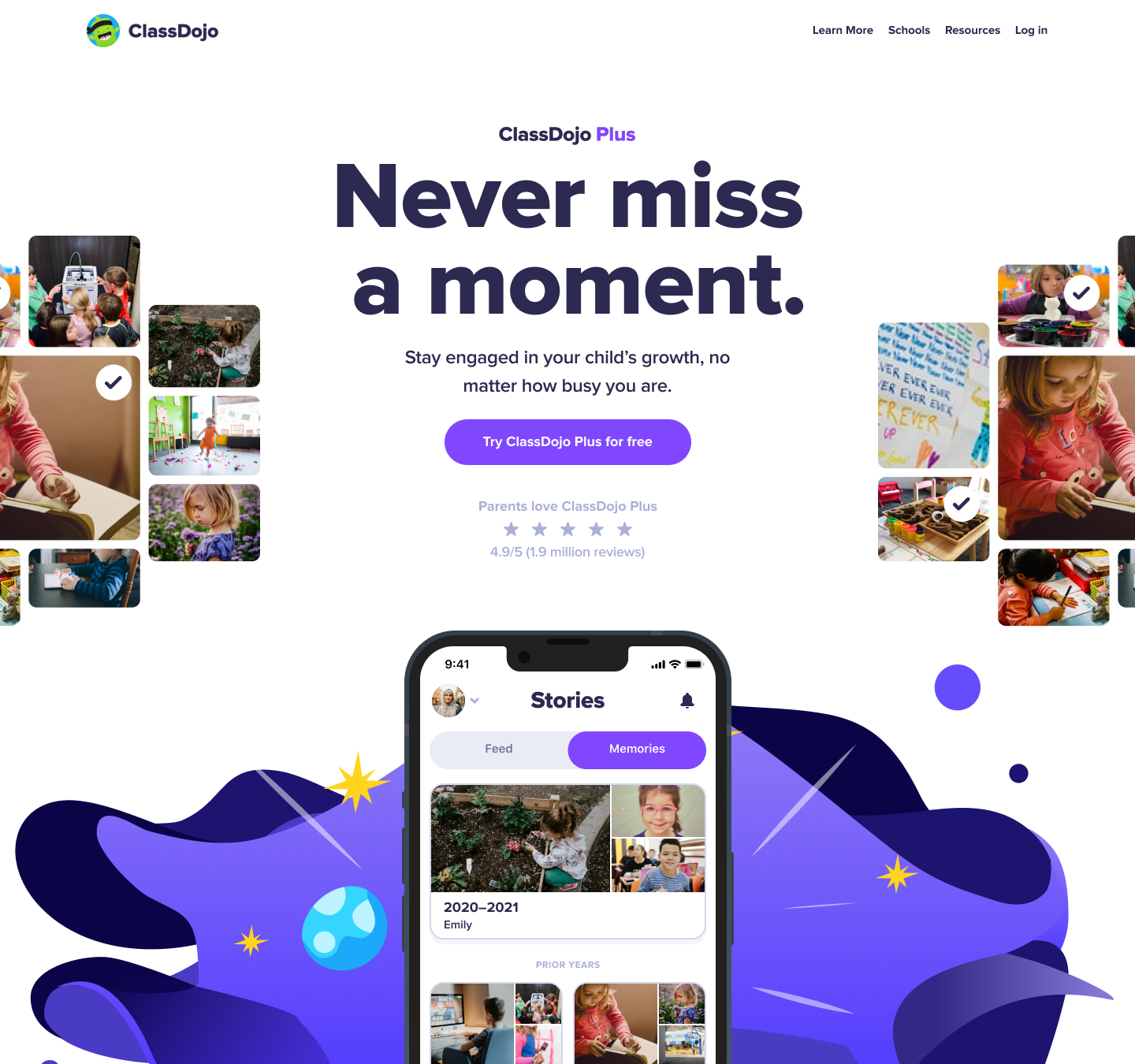
Extended the Plus brand story beyond the app into a dedicated sales surface families could understand, compare, and revisit.
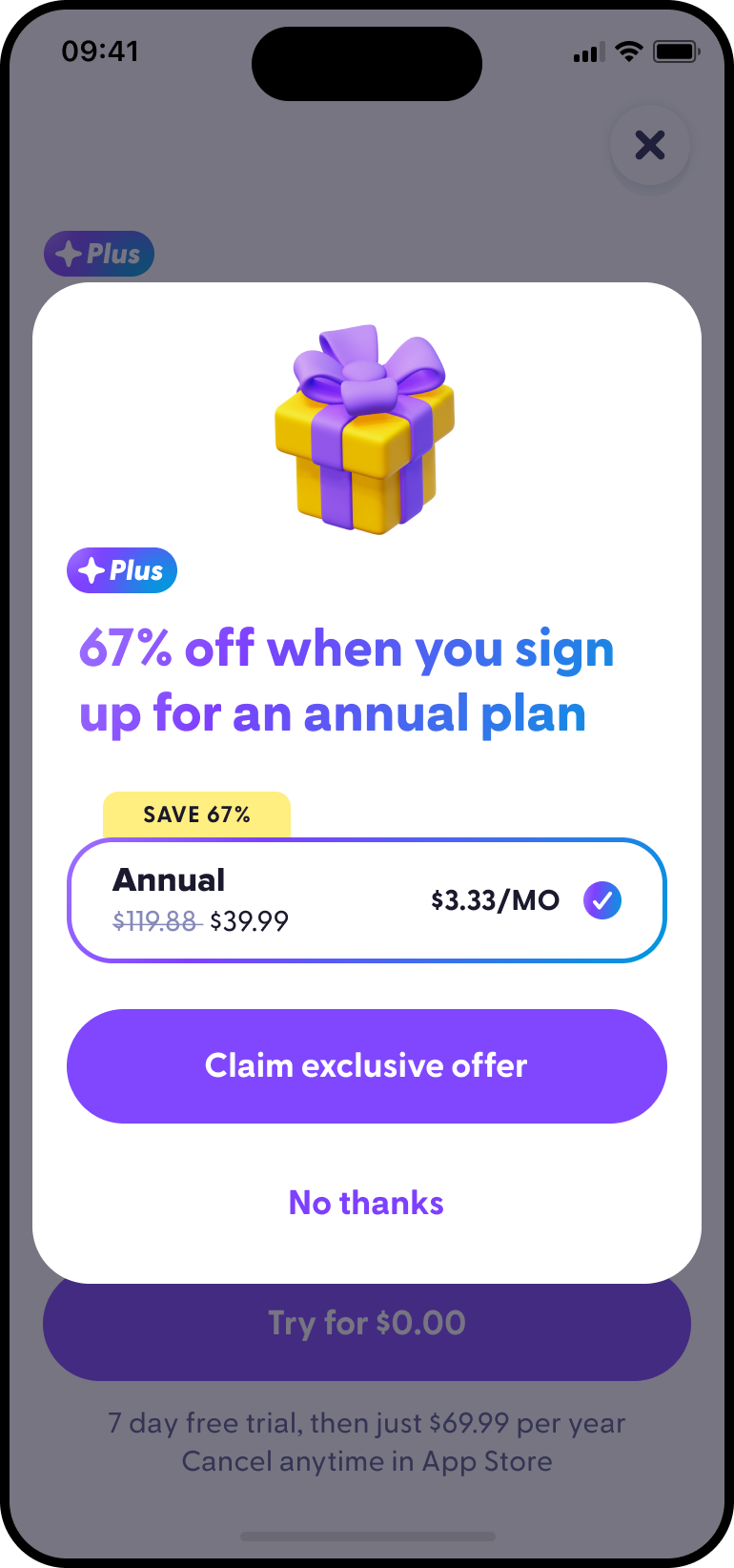
Tested a fallback offer sequence after families declined the first sales page. Bookings increased by +33% after this addition.
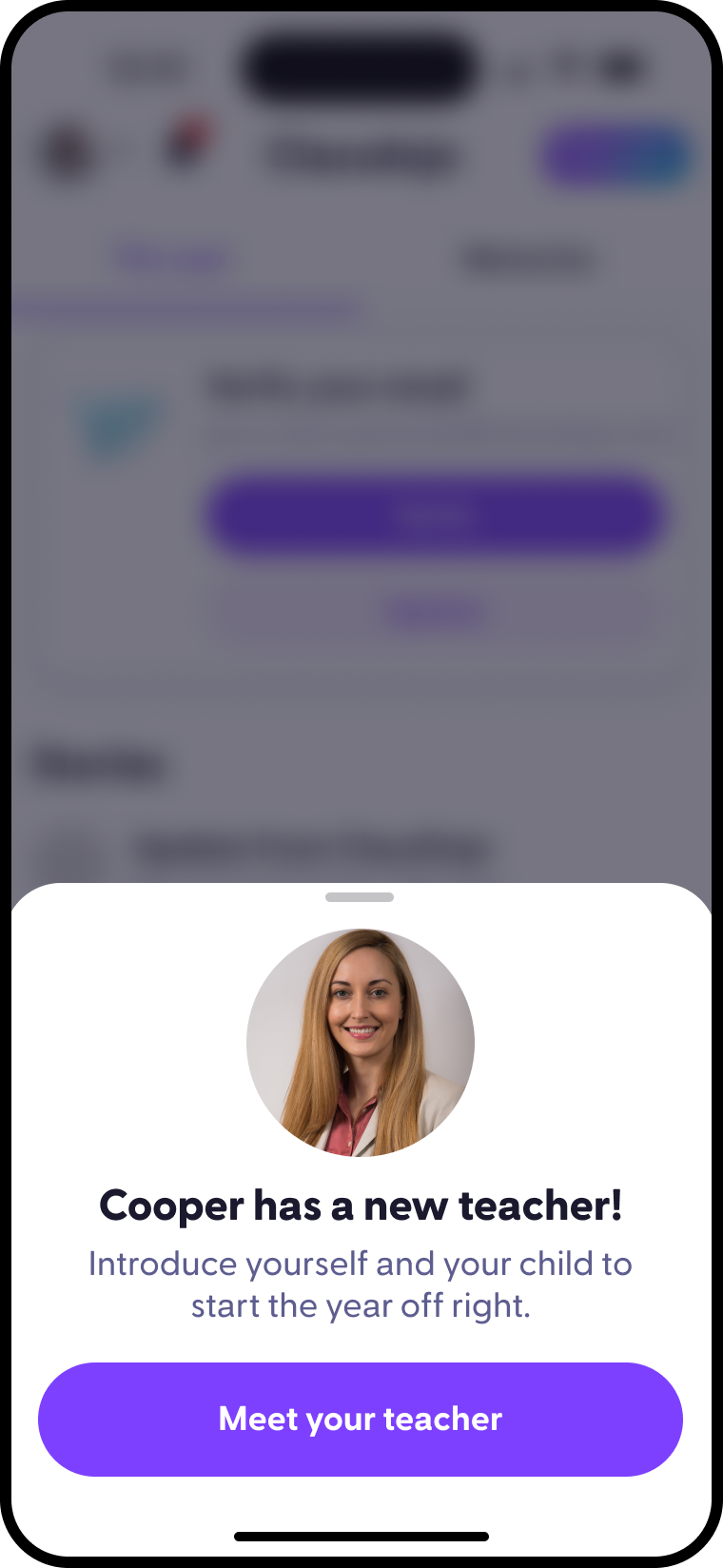
Reframed Plus for returning families who already understood ClassDojo. Increased conversion by +110%.
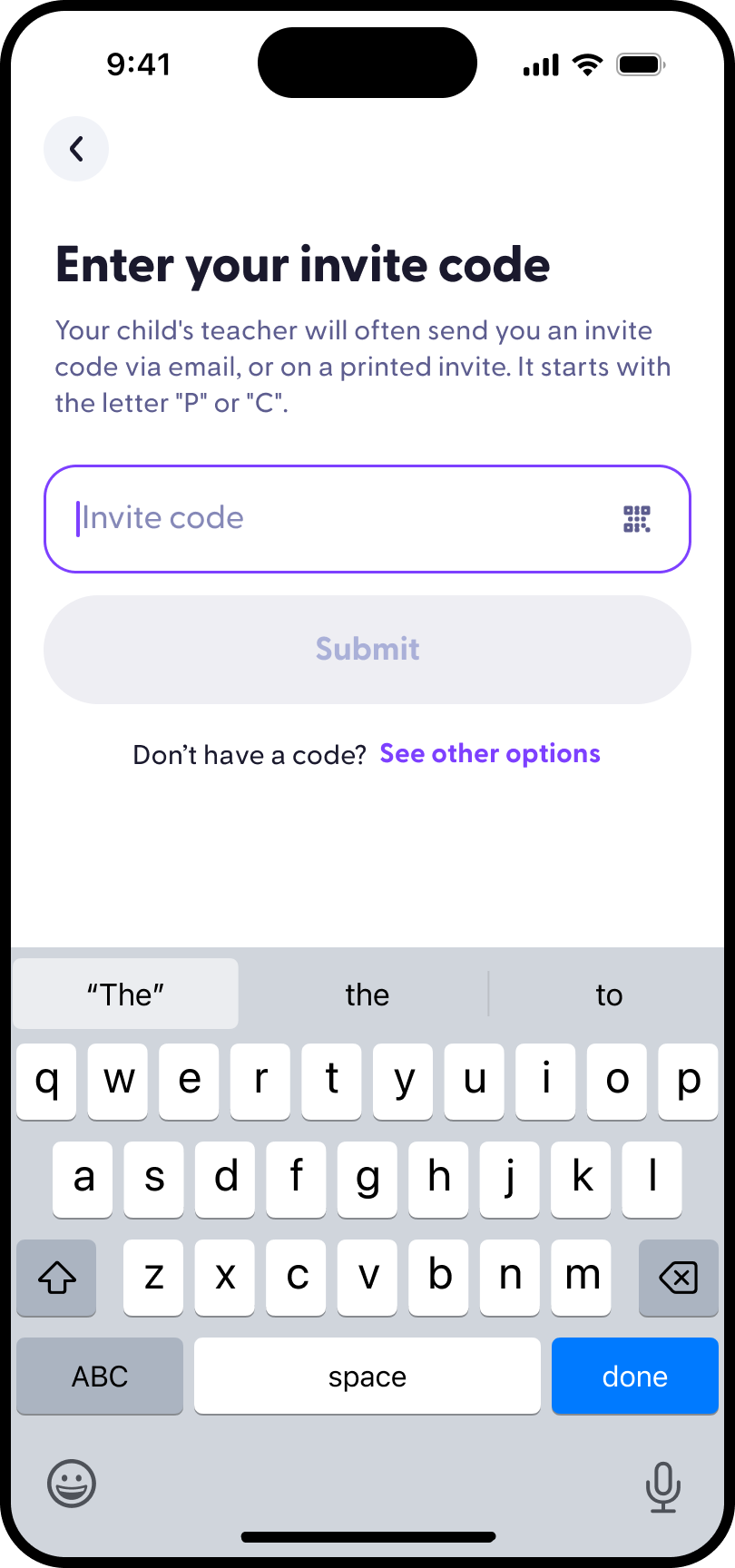
Improved the invite-code signup path to reduce friction and connect families to Plus value. Drove +6% revenue.
Tested pricing hierarchy, annual-plan emphasis, trial framing, and plan-comparison clarity.
Designed a flow to route users to Stripe Checkout instead of IAP. Bookings increased by +48%.
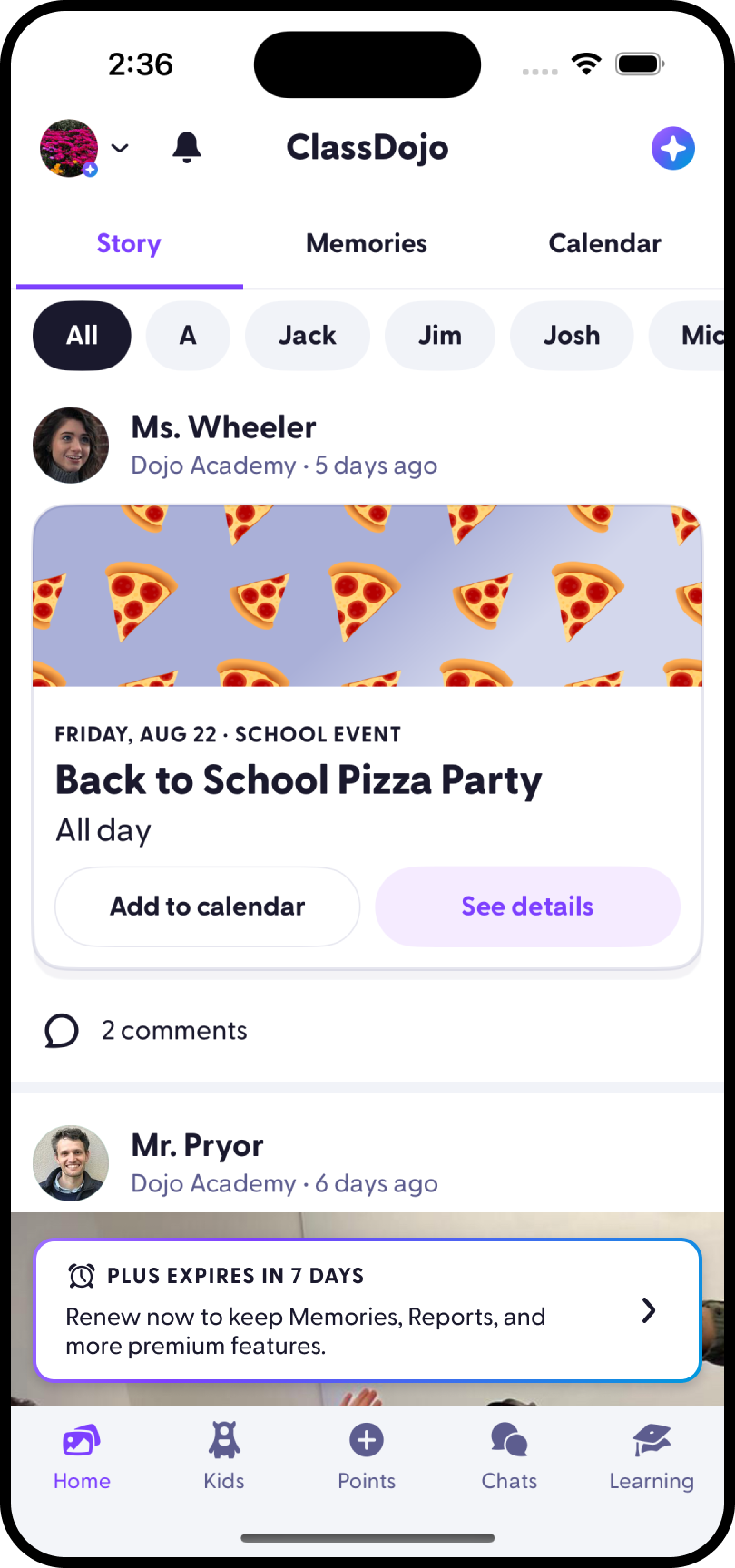
Designed and built lifecycle messaging to retain existing subscribers and make renewal value more visible.
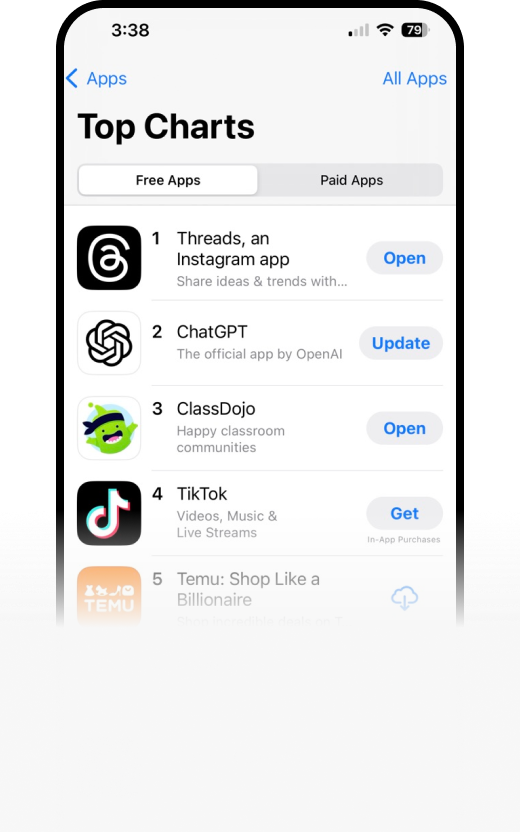
Over an 8-year Plus growth arc where I shipped 500+ experiments, contributed $20M+ incremental revenue, helped ClassDojo reach its first $10M revenue month, and hit #3 in Free App downloads and #16 highest-grossing app in 2025.
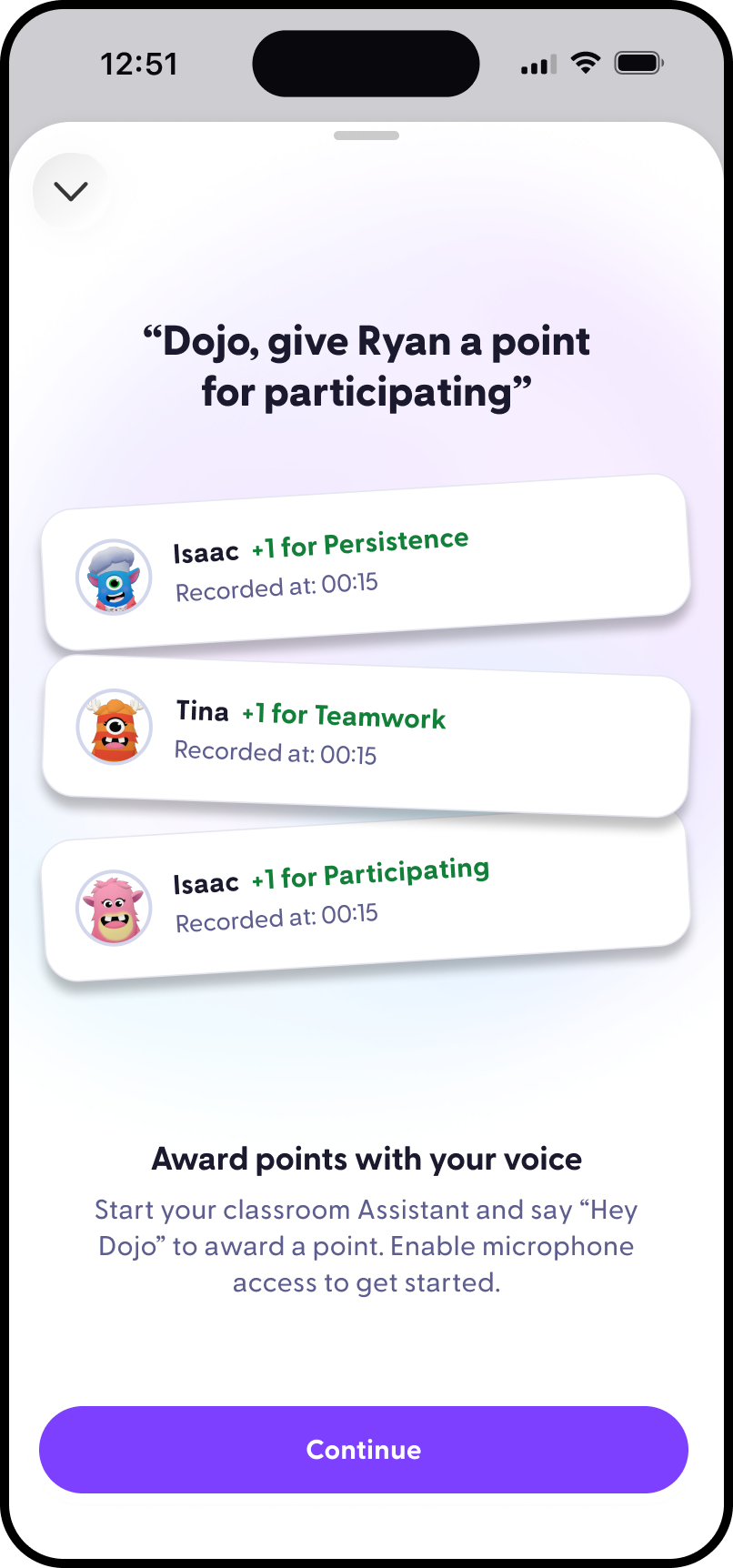
Introduced teachers to voice-powered points with a fast animated sequence showing how Sidekick recognizes, confirms, and adds points during class.
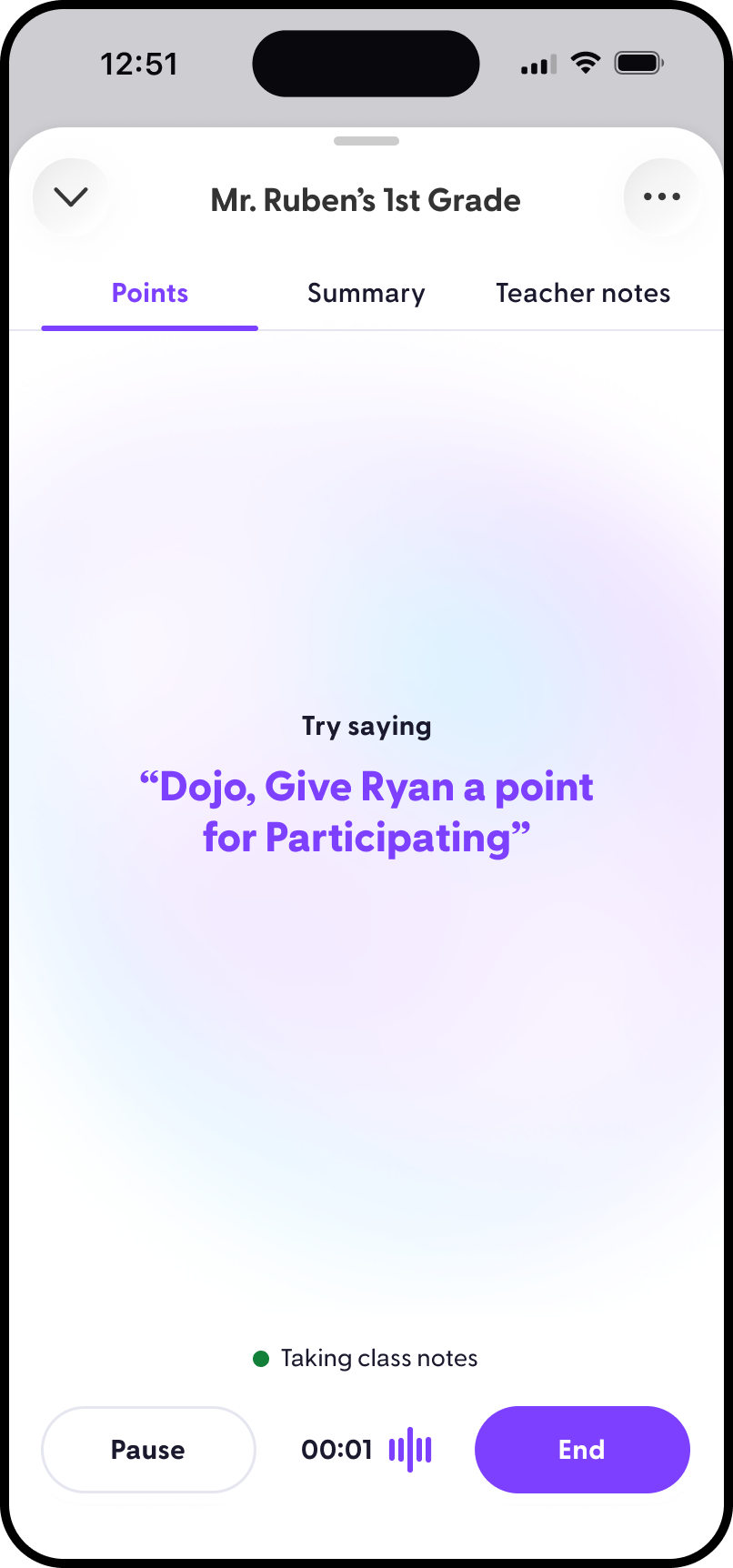
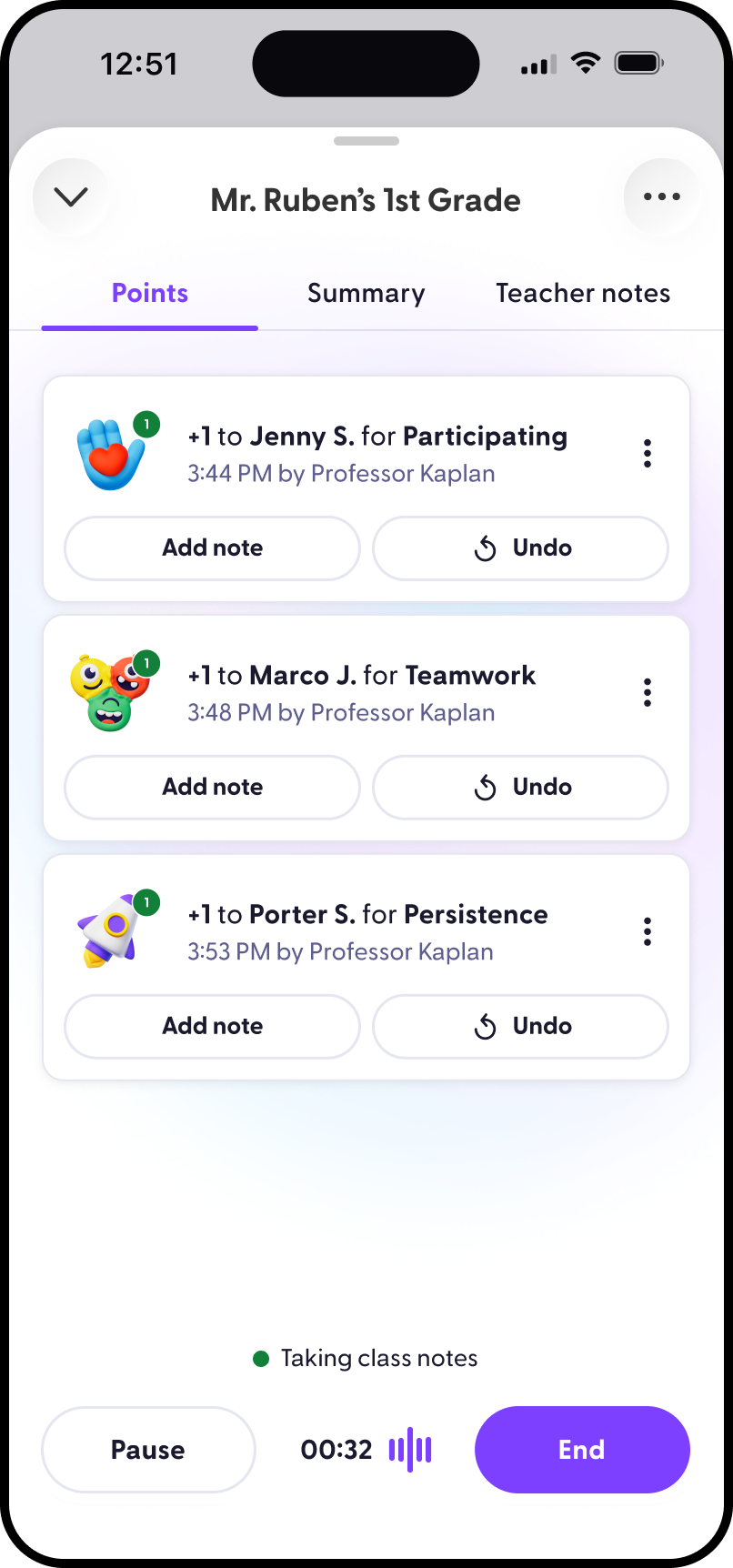
Designed the starting state for a live Sidekick session, prompting teachers to try voice points while class notes begin running quietly in the background.
Showed awarded points as real-time confirmations so teachers could trust what Sidekick heard, recorded, and applied without breaking classroom flow.
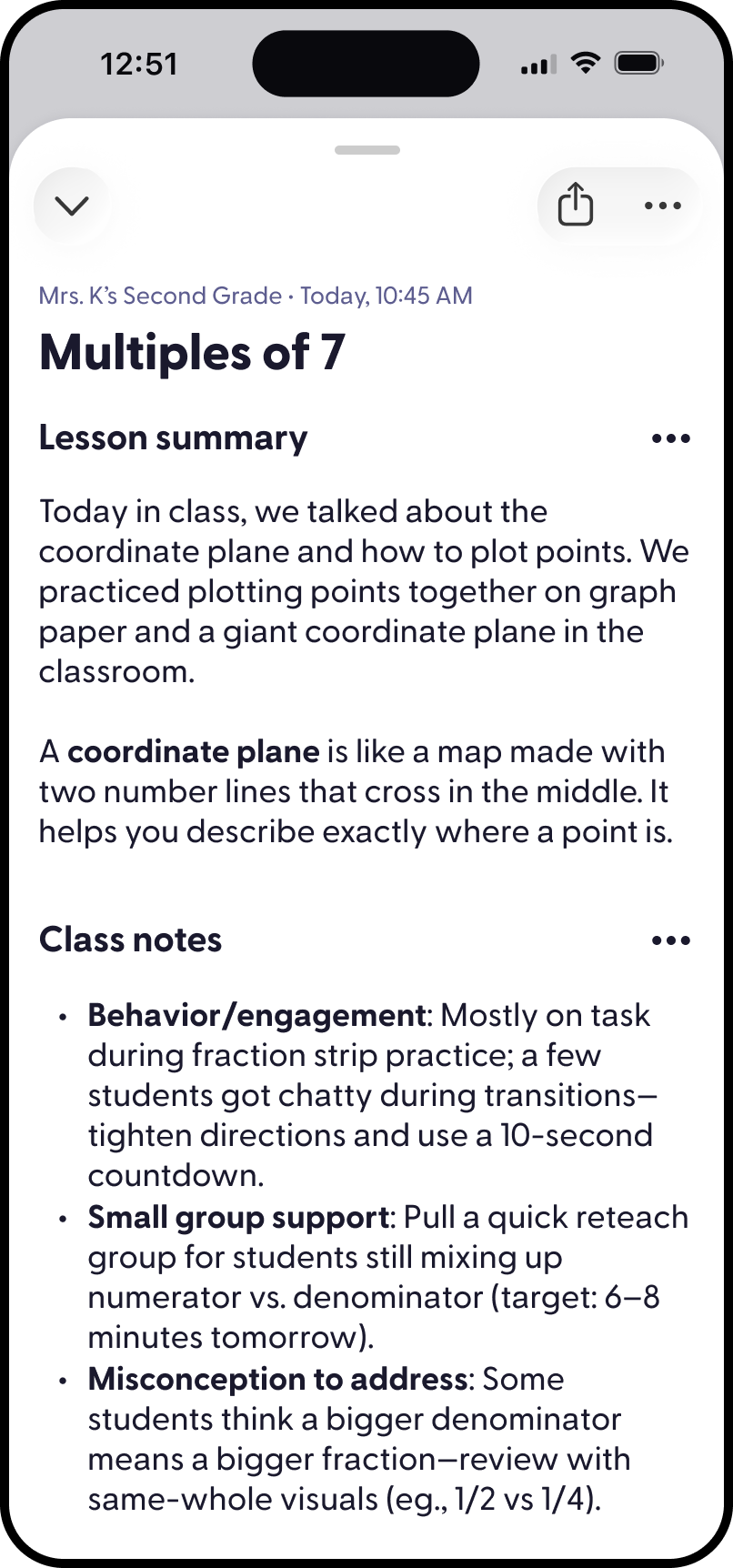
Turned a live classroom session into a structured recap with a lesson summary, teacher notes, reminders, suggested points, and feedback before sharing.
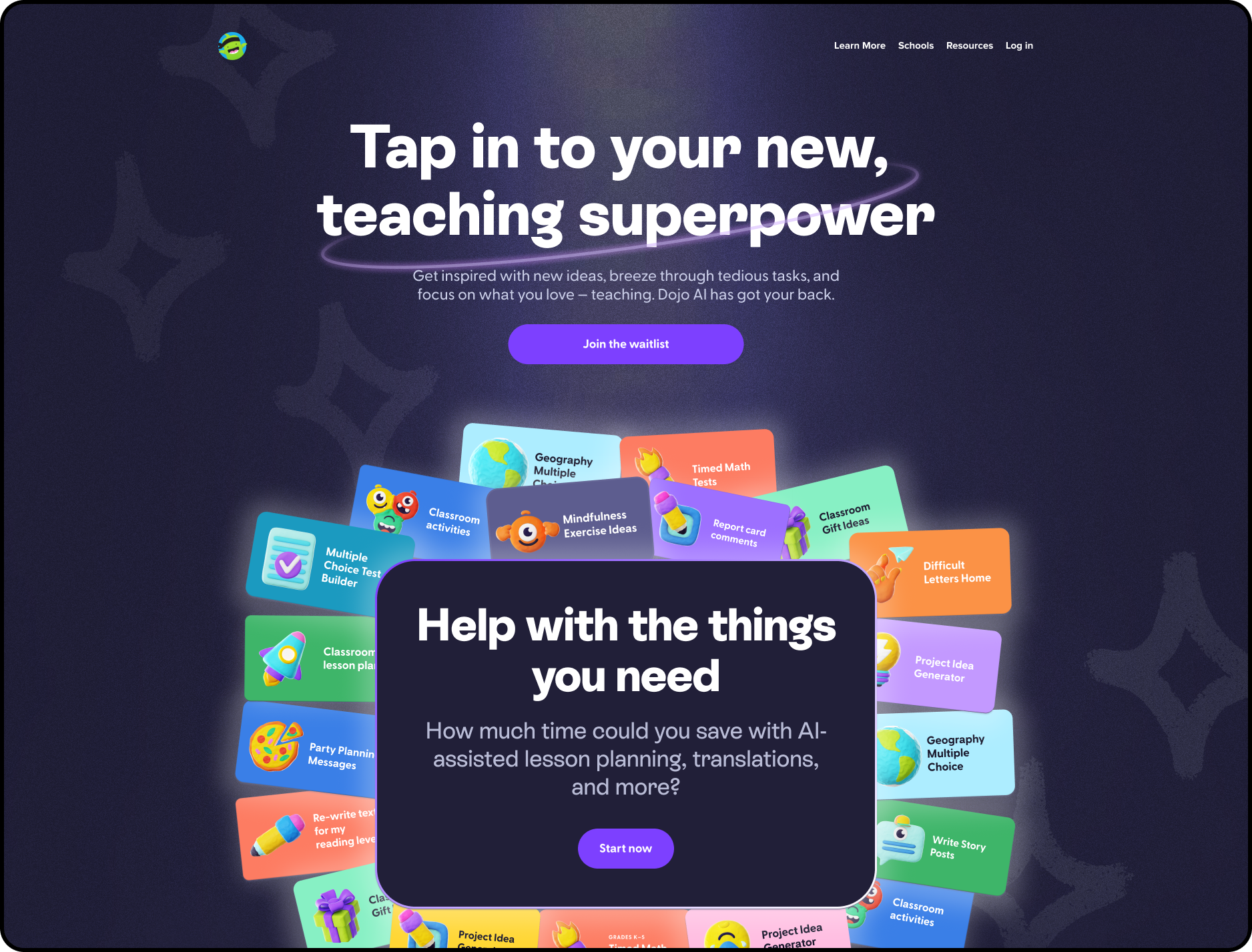
Designed and built an external waitlist site that positioned AI as practical classroom support and generated early teacher demand.
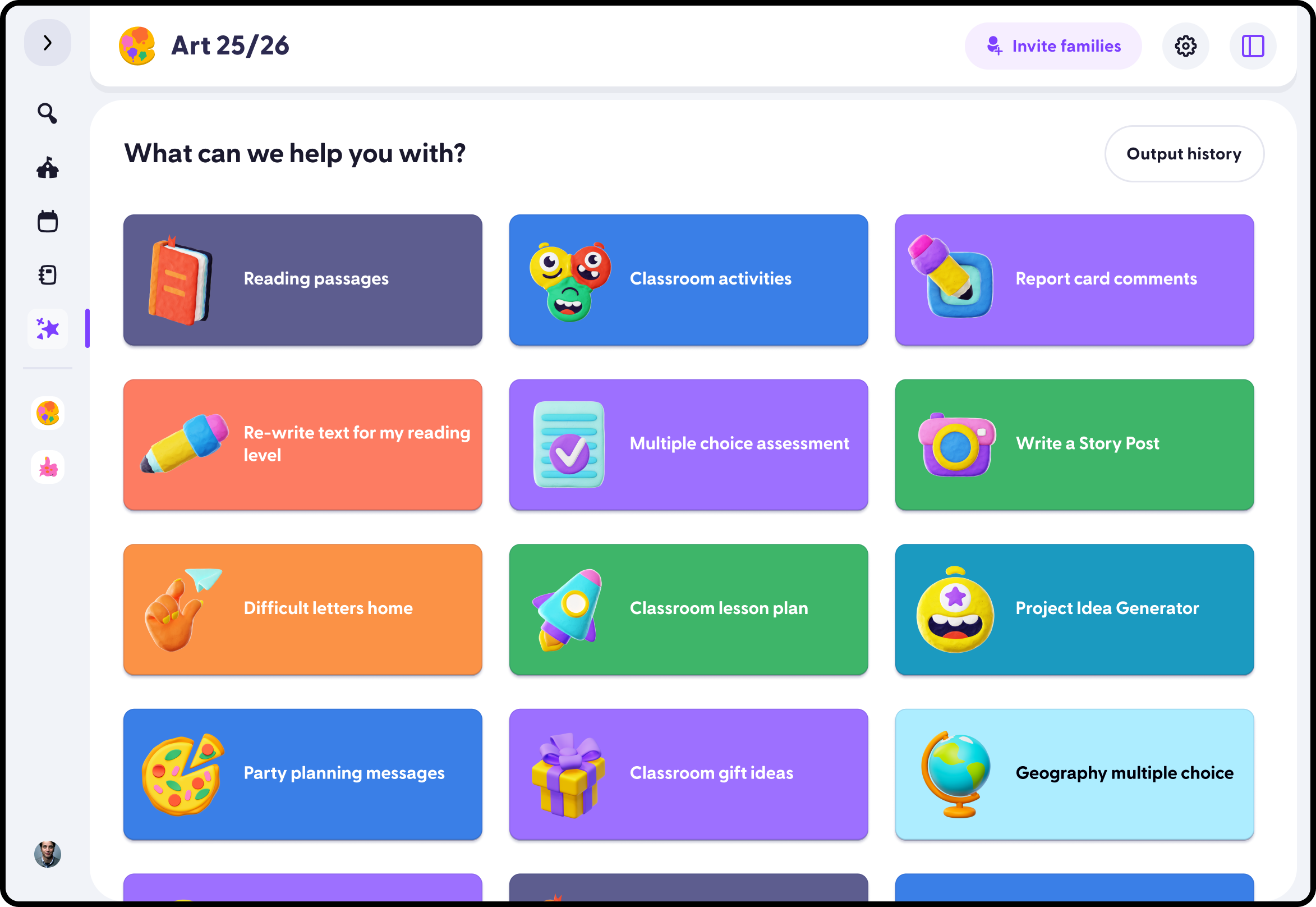
Designed the in-app tool gallery where teachers could browse classroom-ready AI tools, choose a task, and start from a focused workflow instead of a blank prompt.
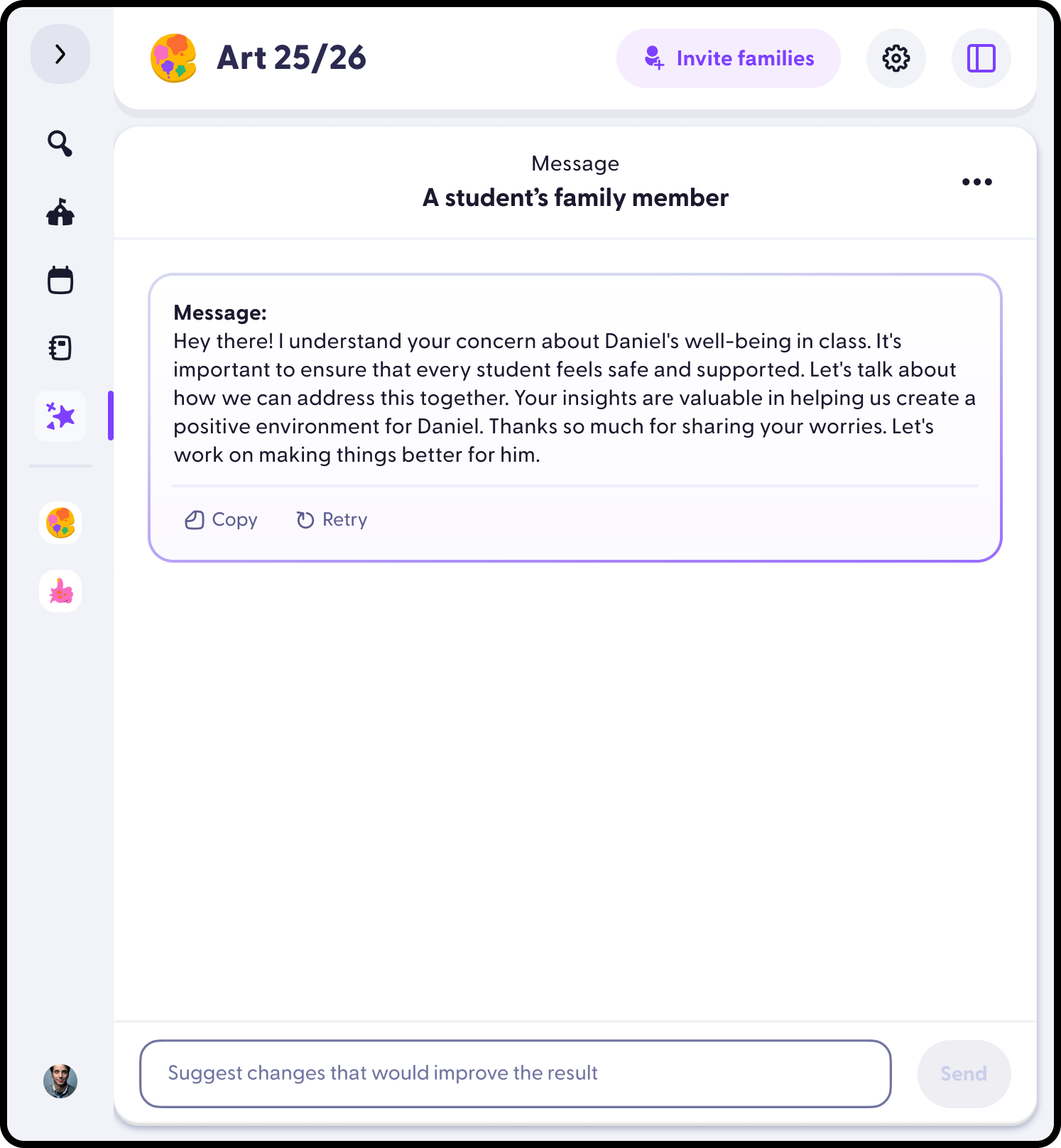
Designed teacher-facing tools that could turn context into an editable family message, helping teachers communicate clearly while staying in control of the final output.
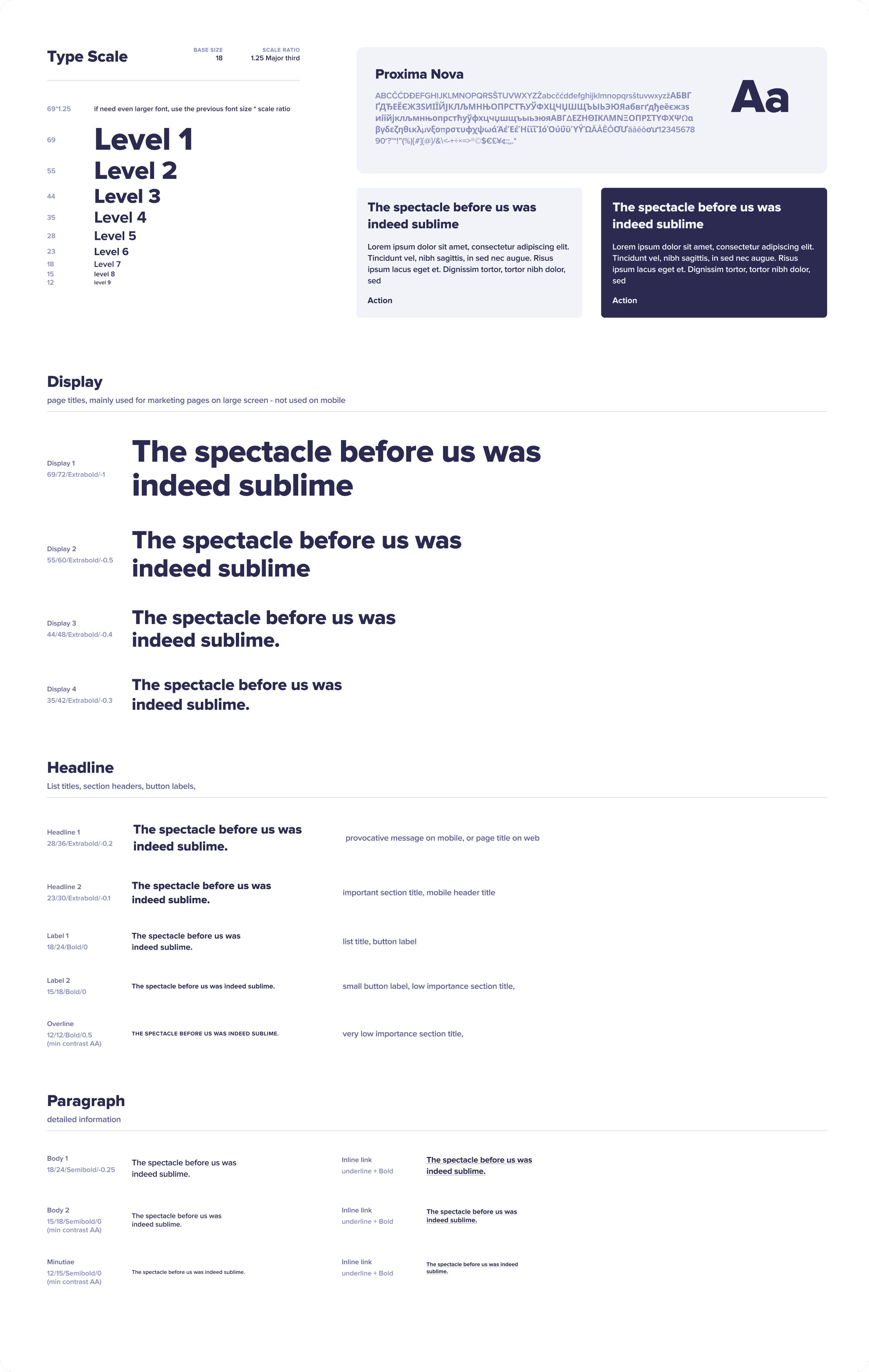
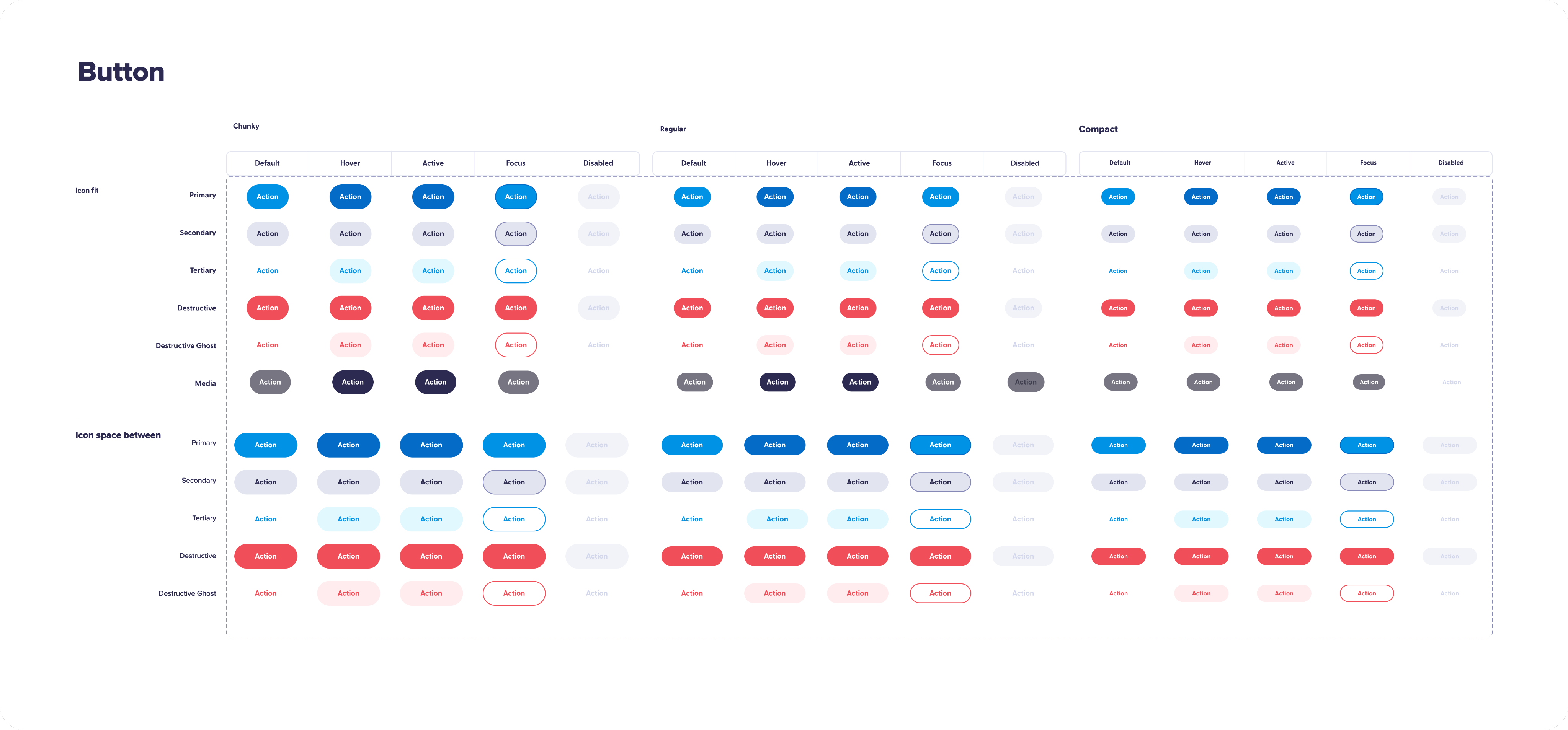
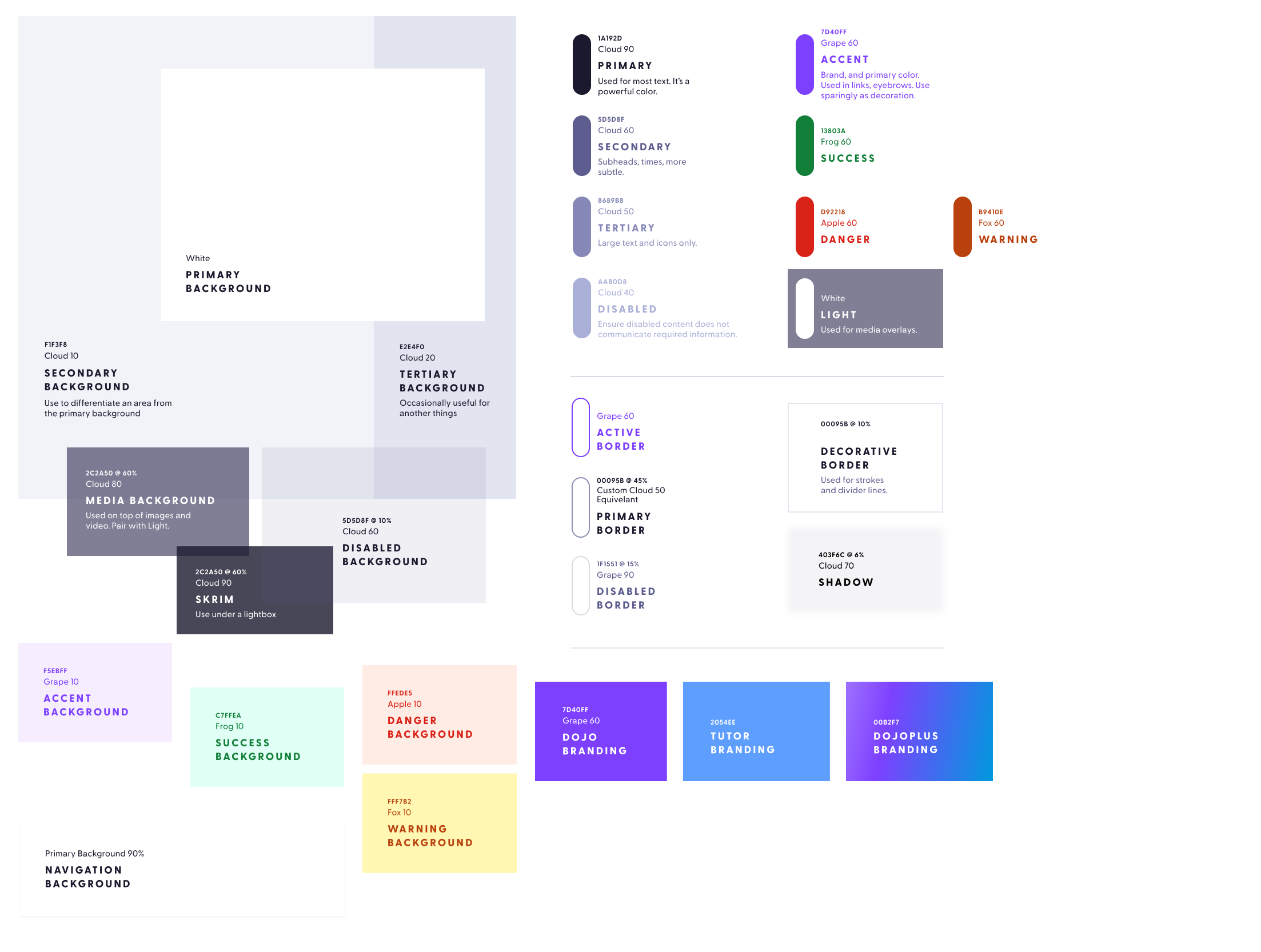
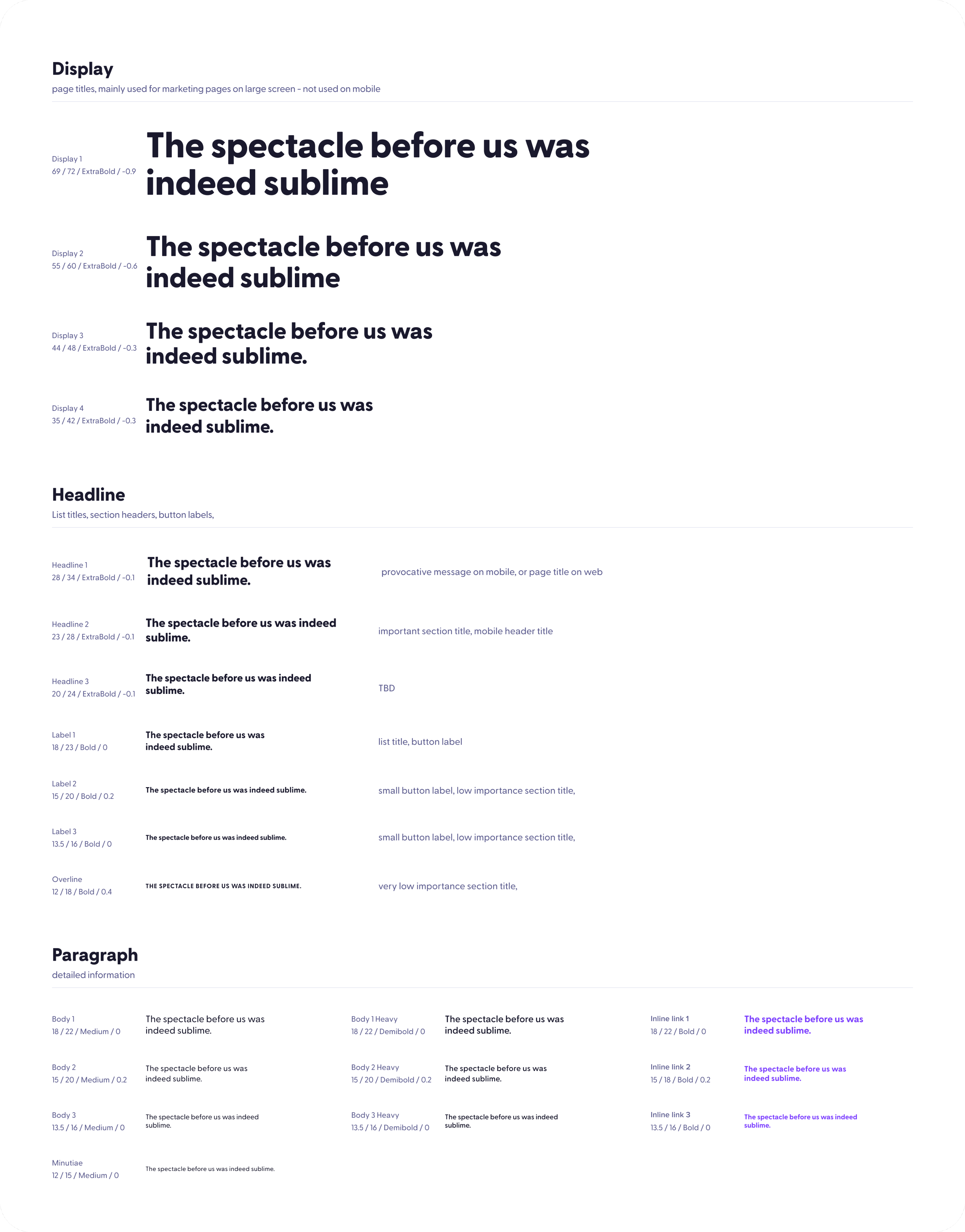
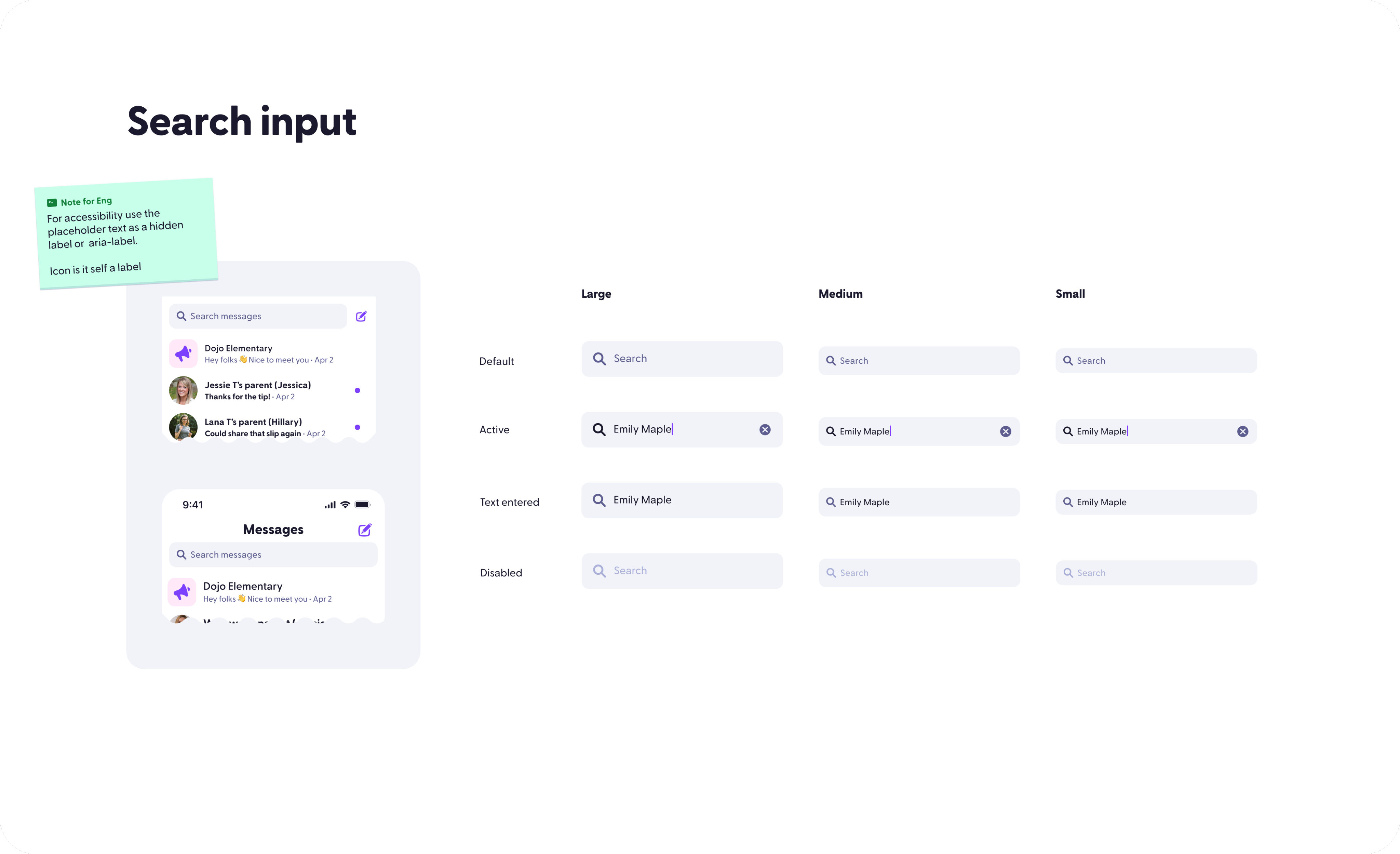
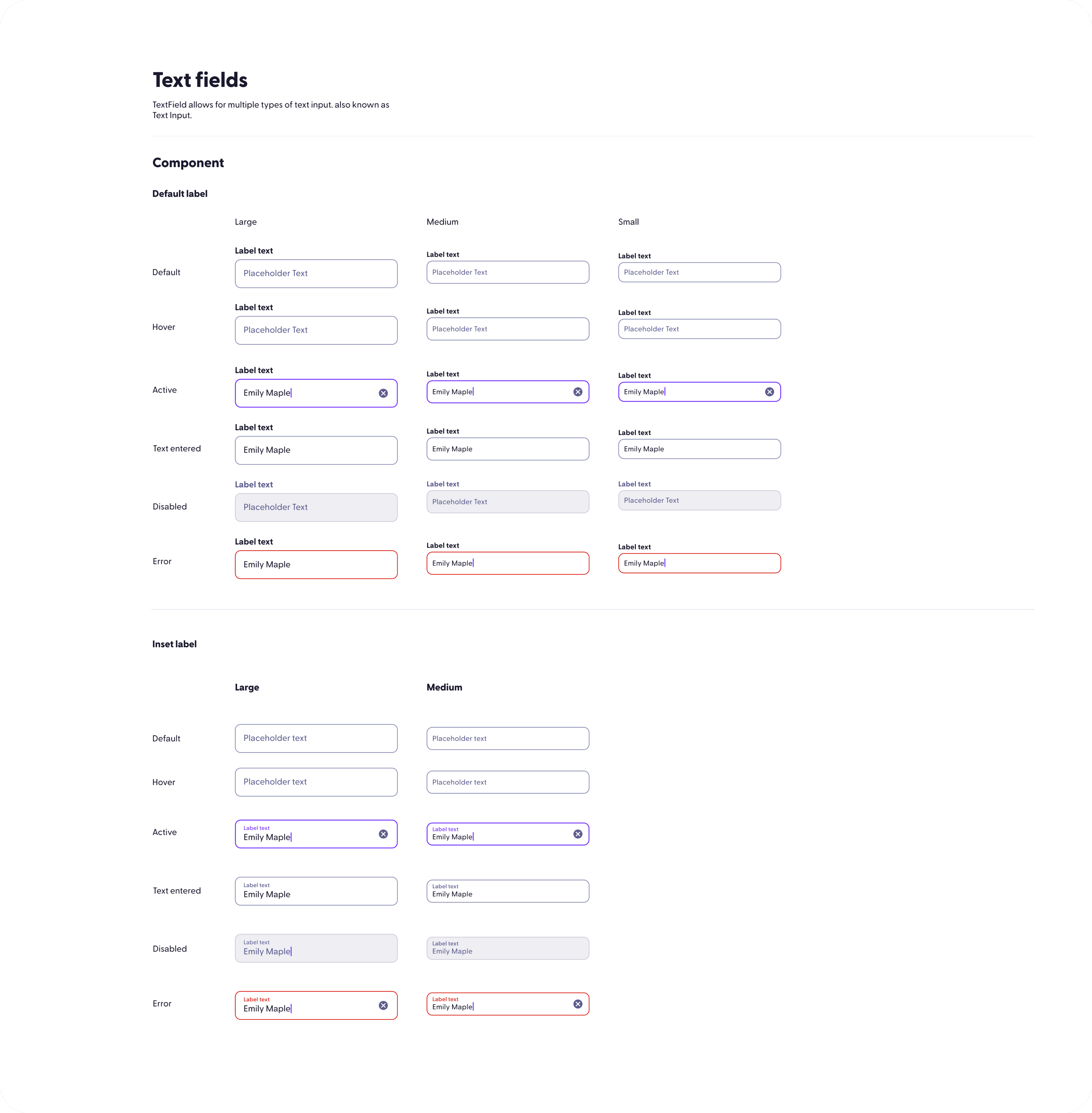
Expanded ClassDojo's early component library, typography, colors, and interaction patterns while moving the product language toward a cleaner, more mature interface.
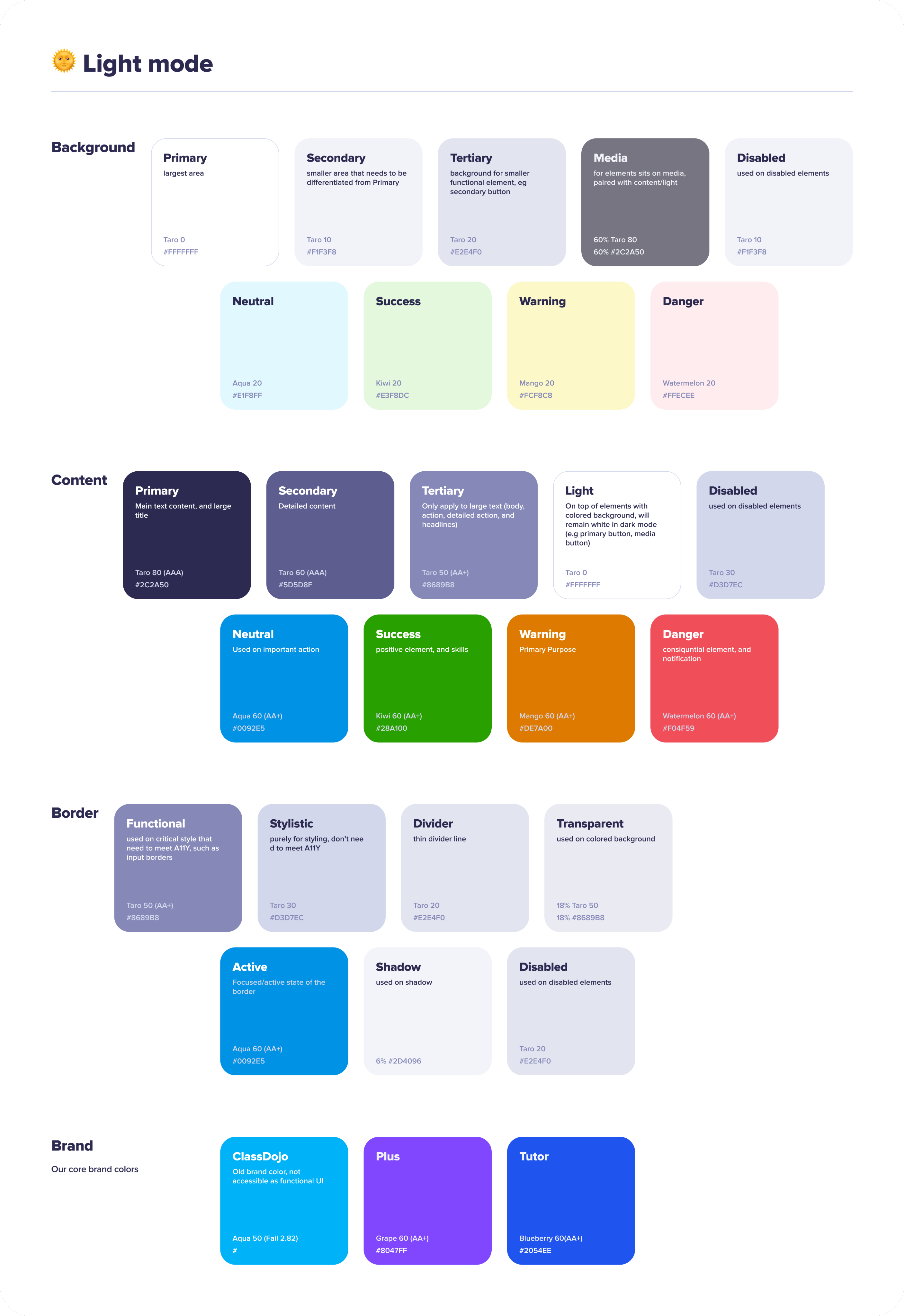
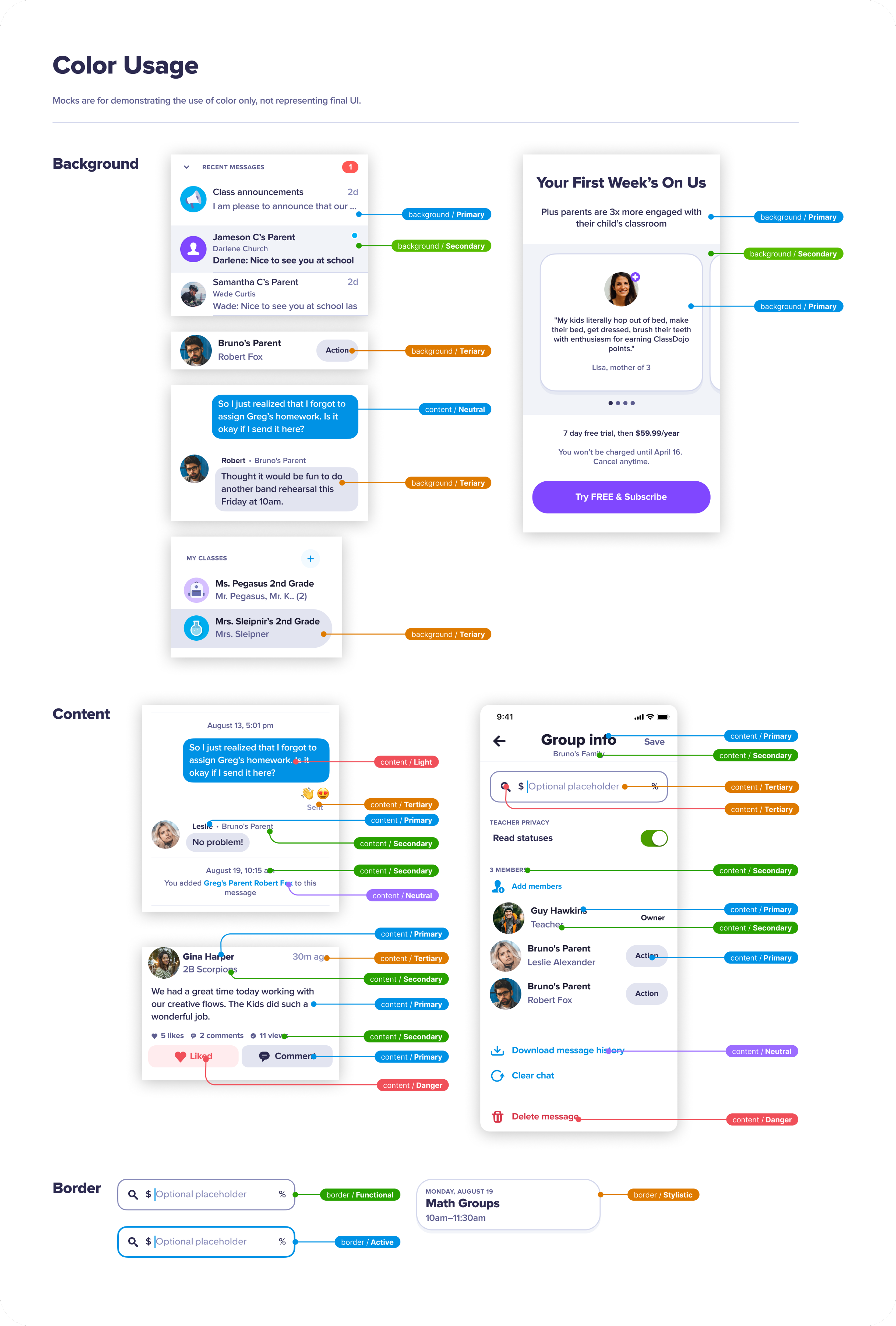
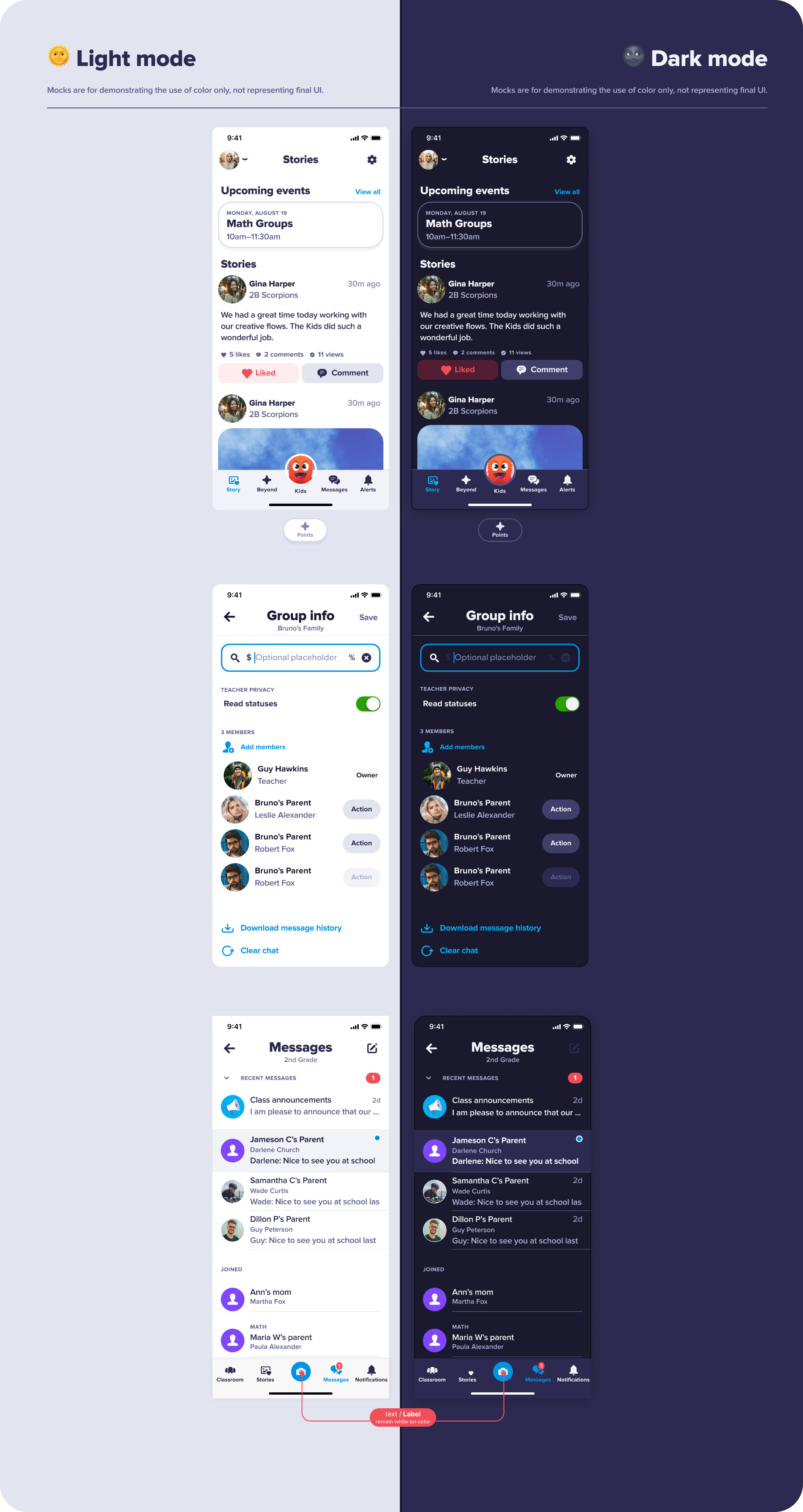
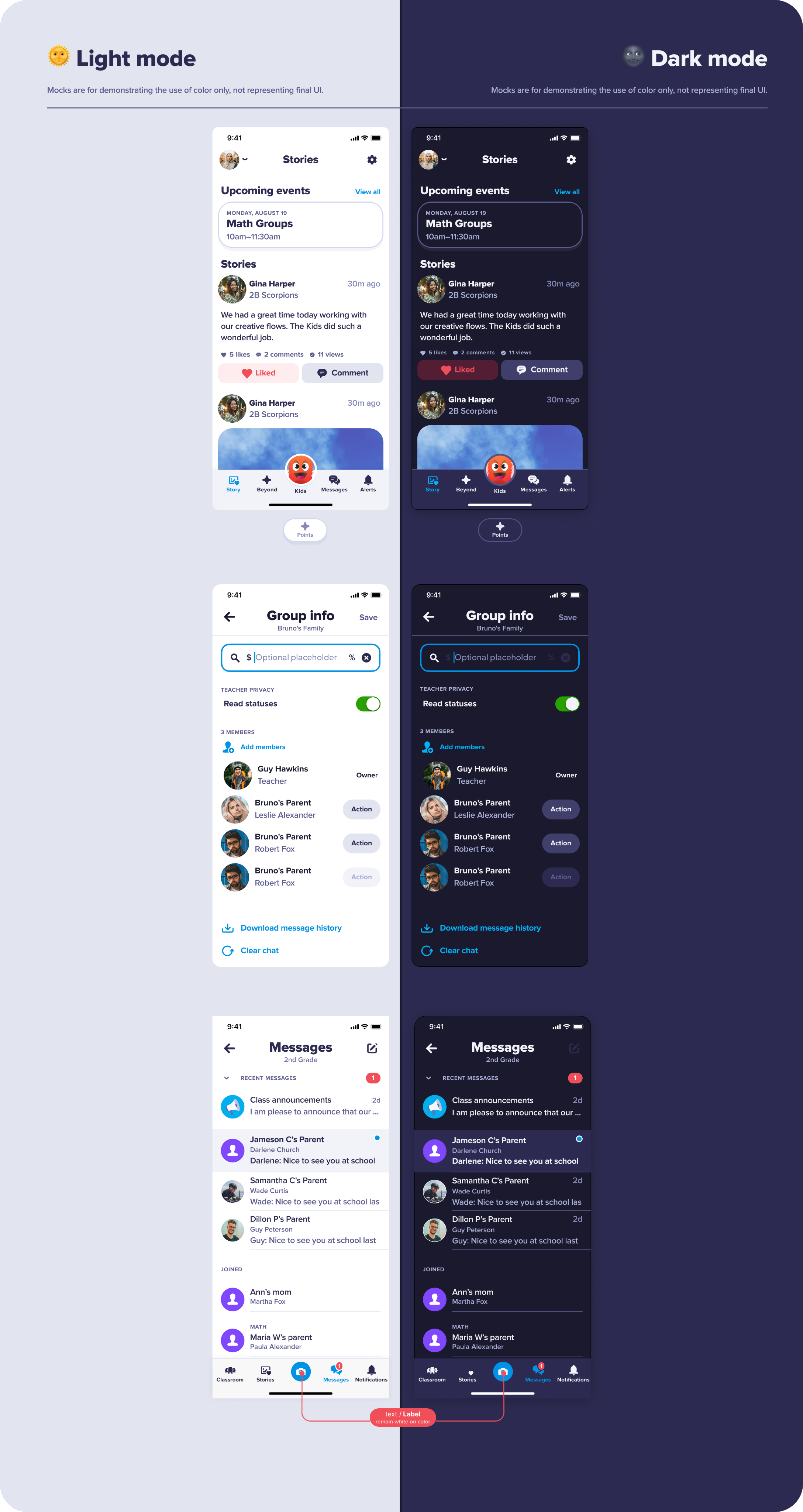
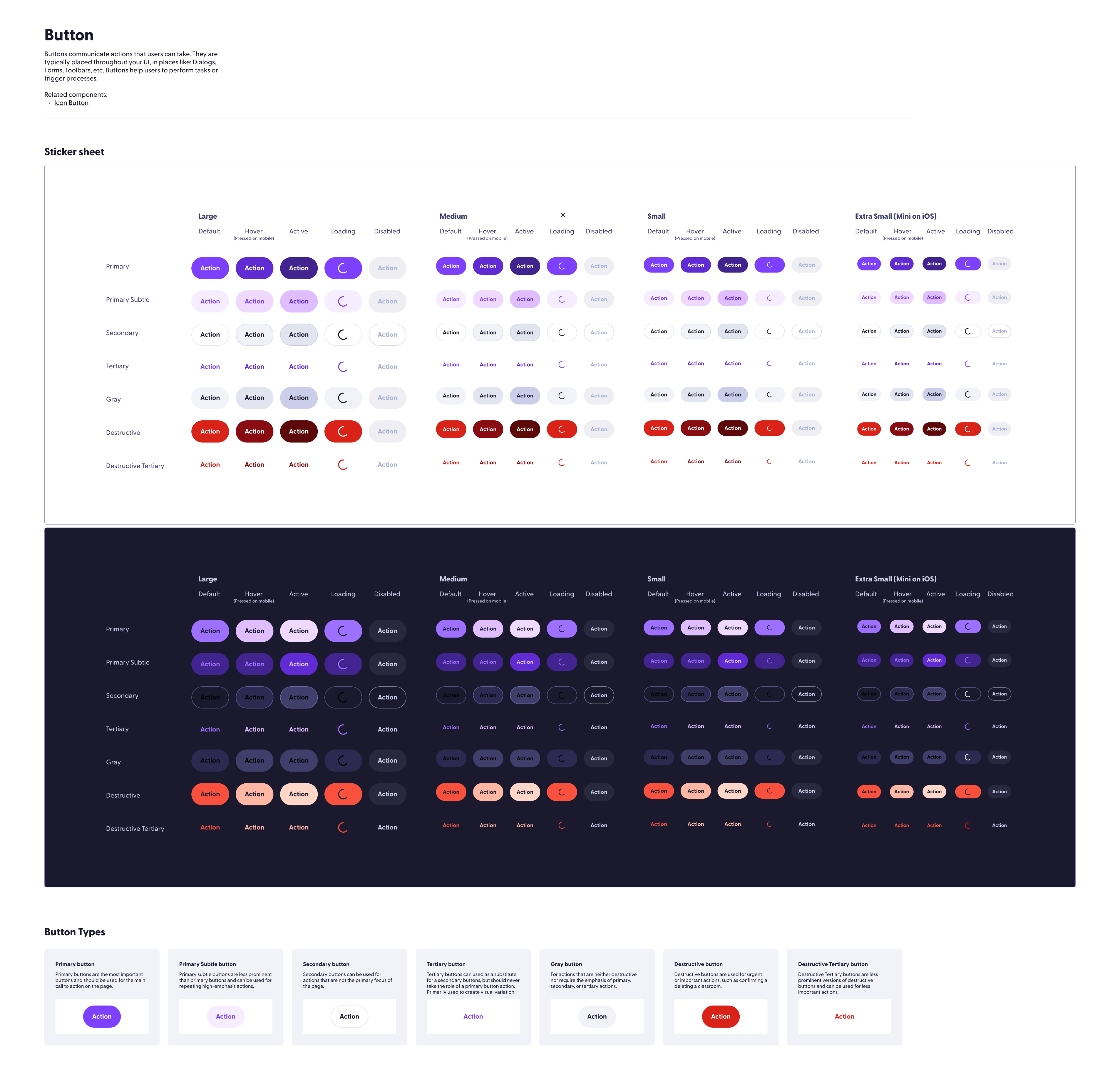
Helped evolve ClassDojo's product language with a new purple-led identity, rebuilt components, updated typography, and a more flexible foundation for product surfaces.
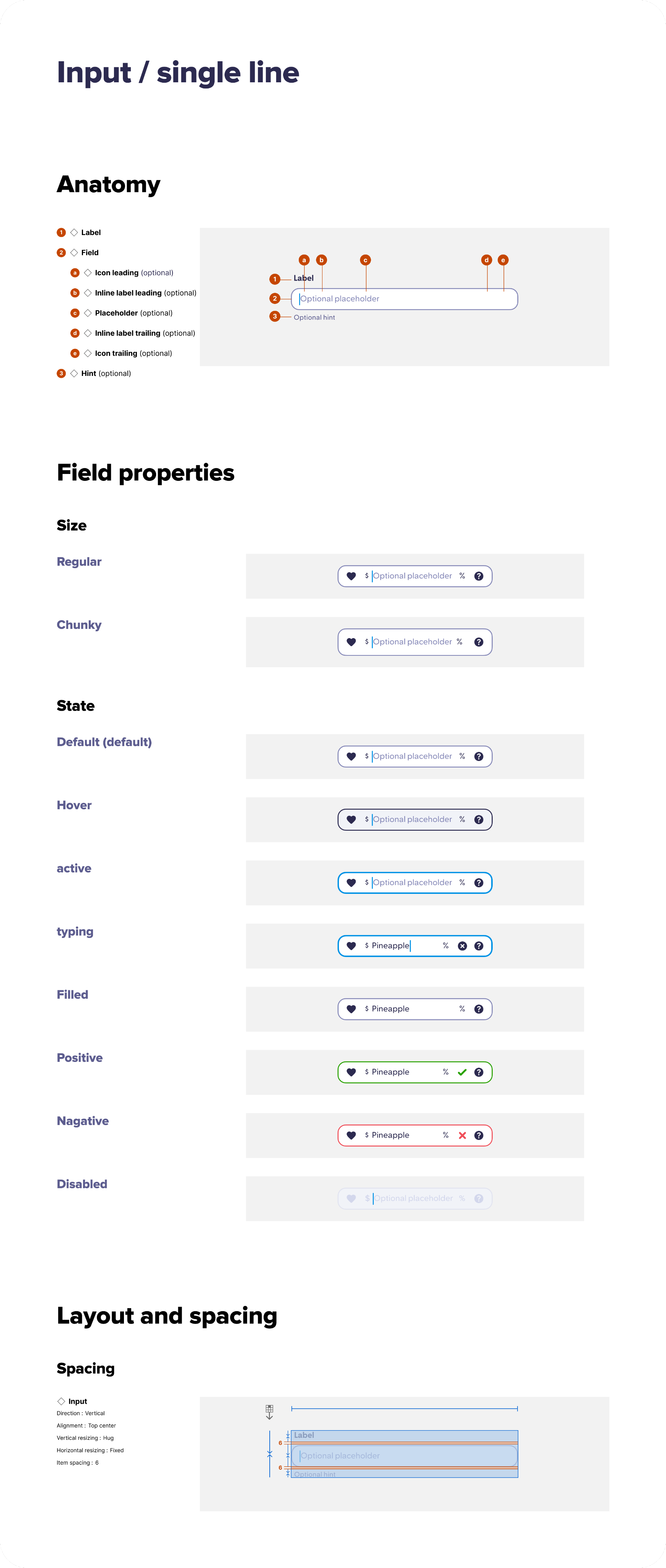
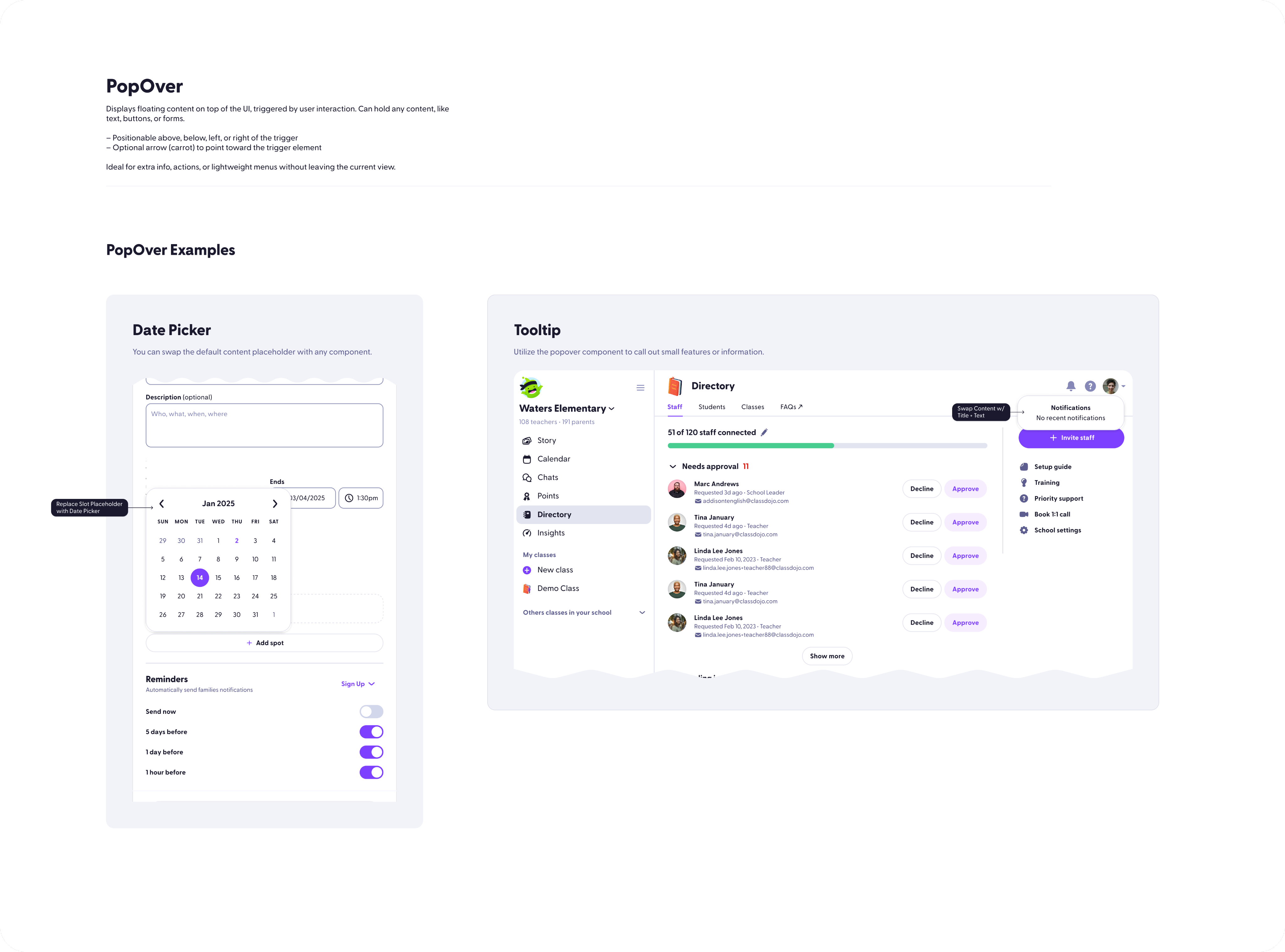
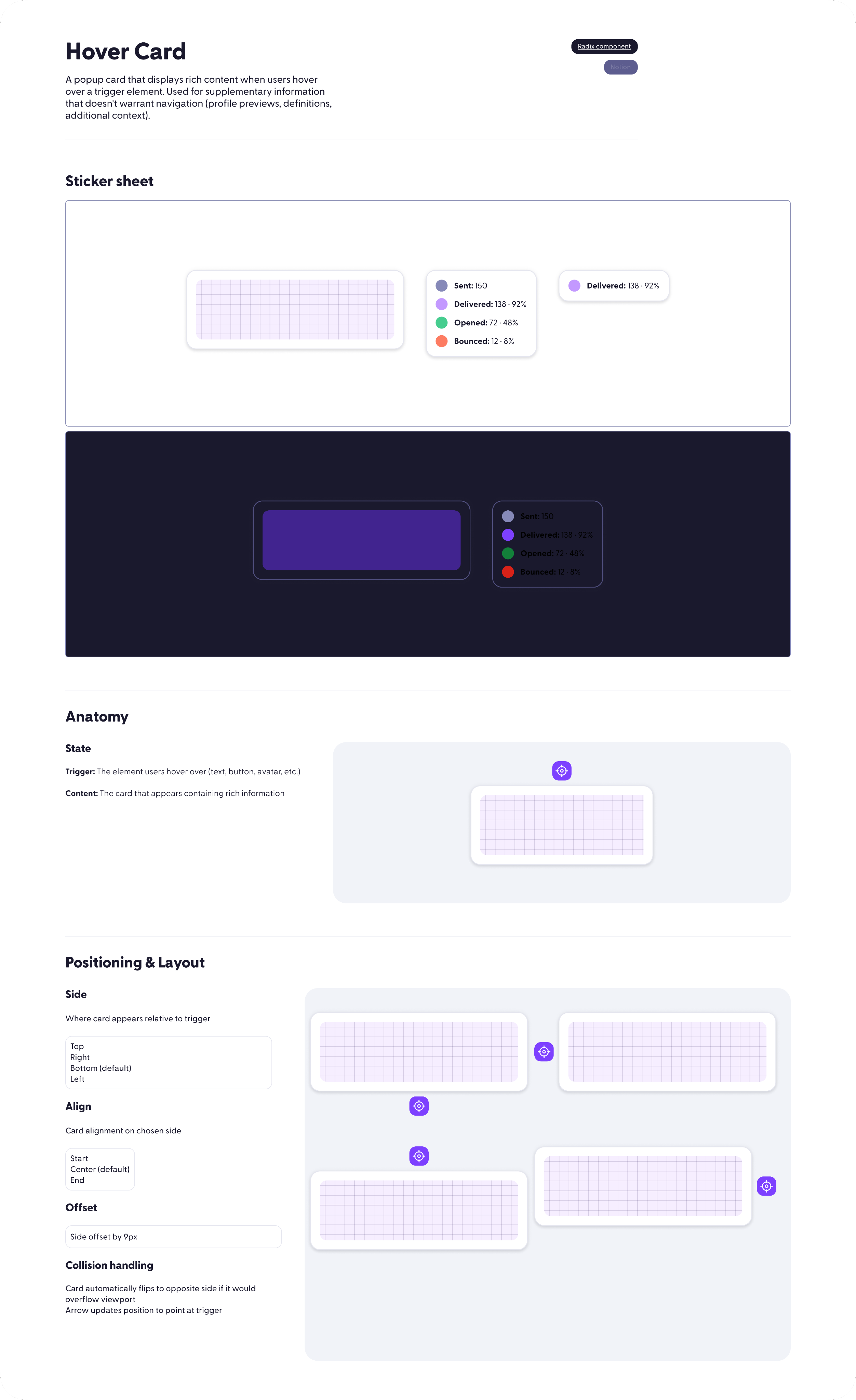
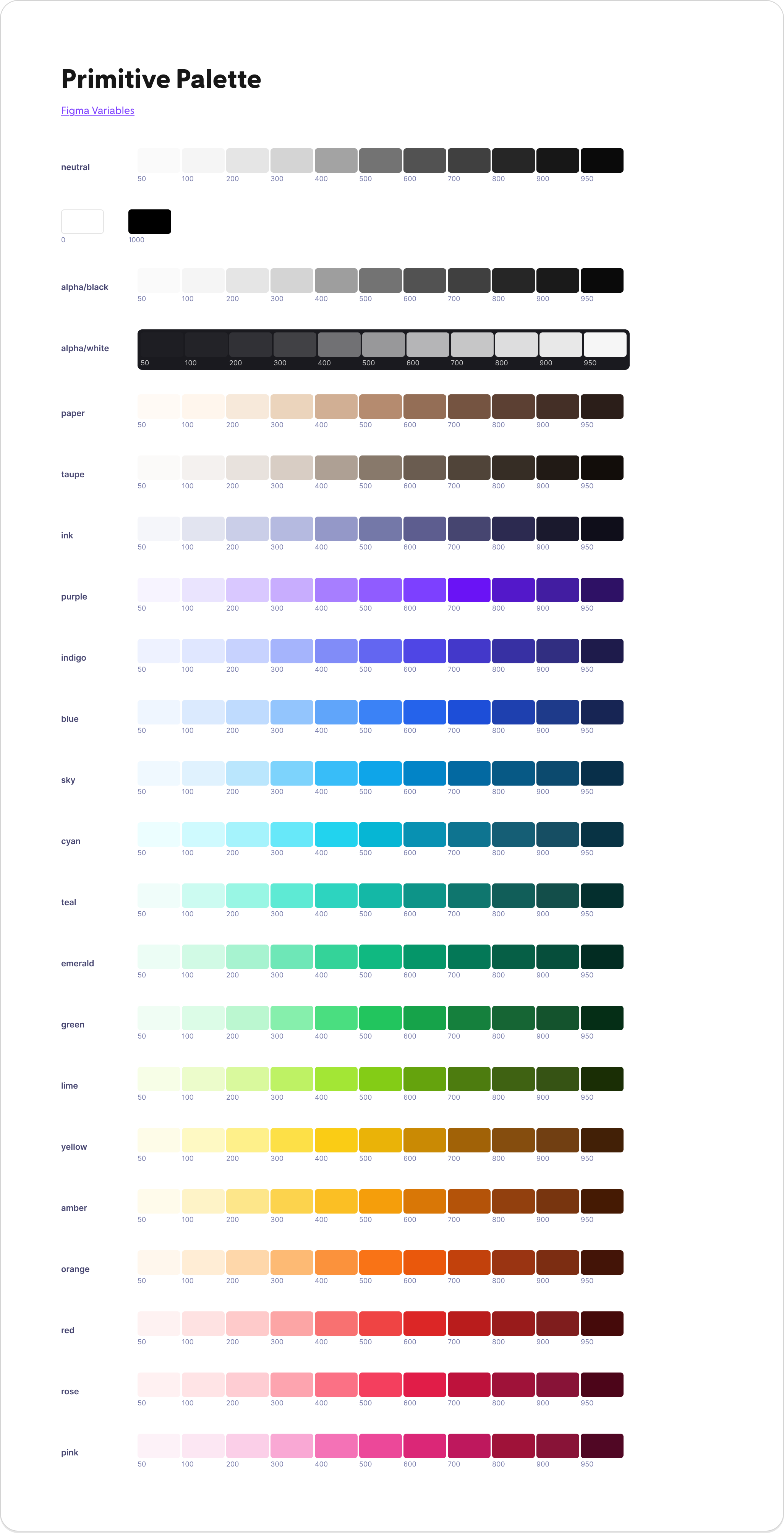
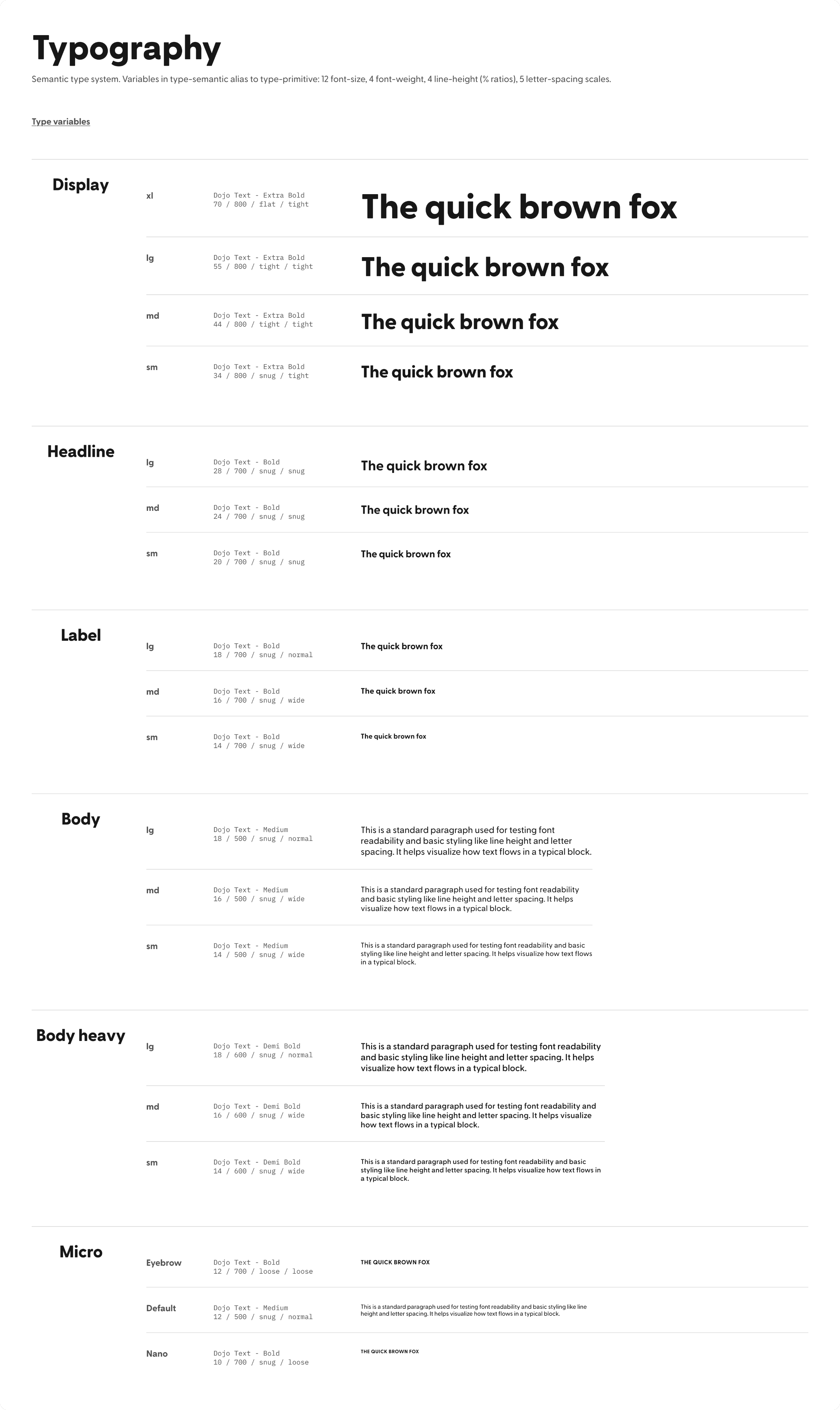
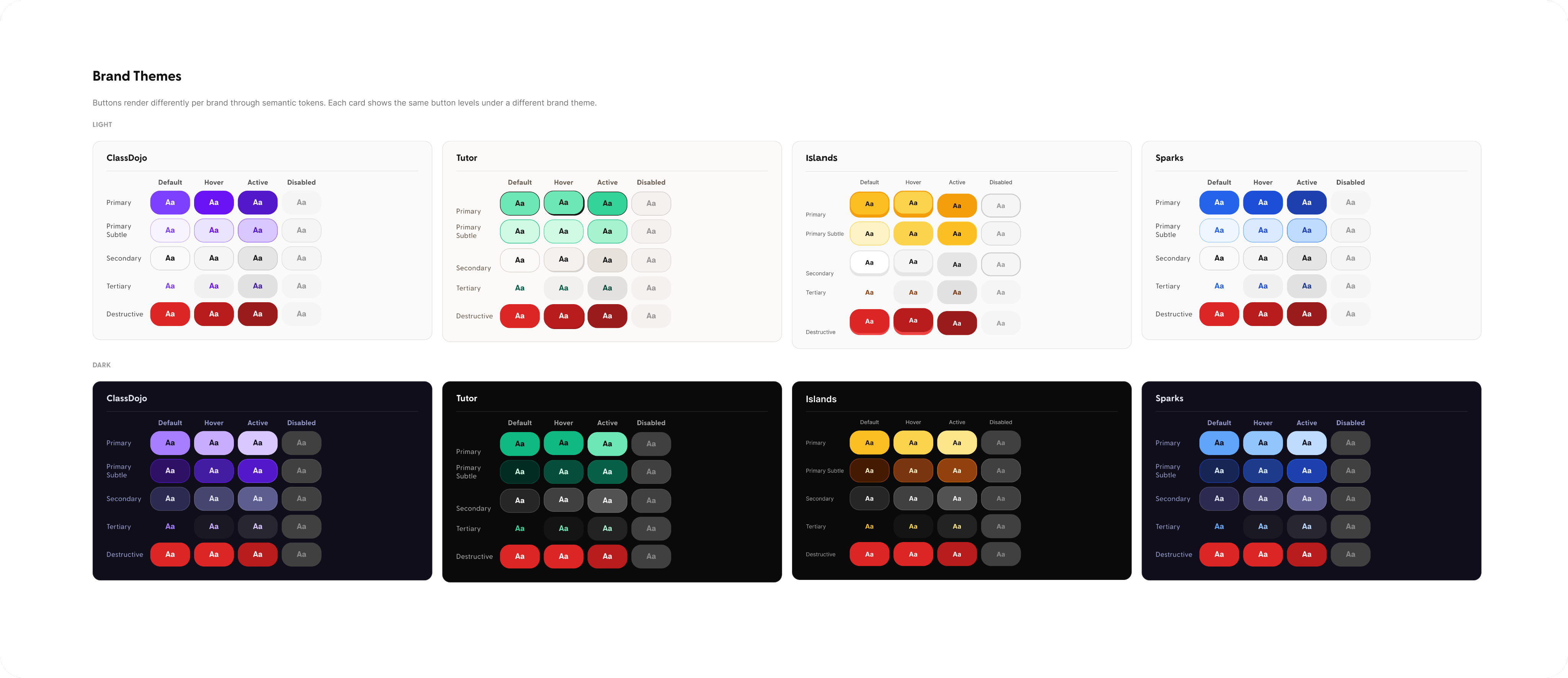
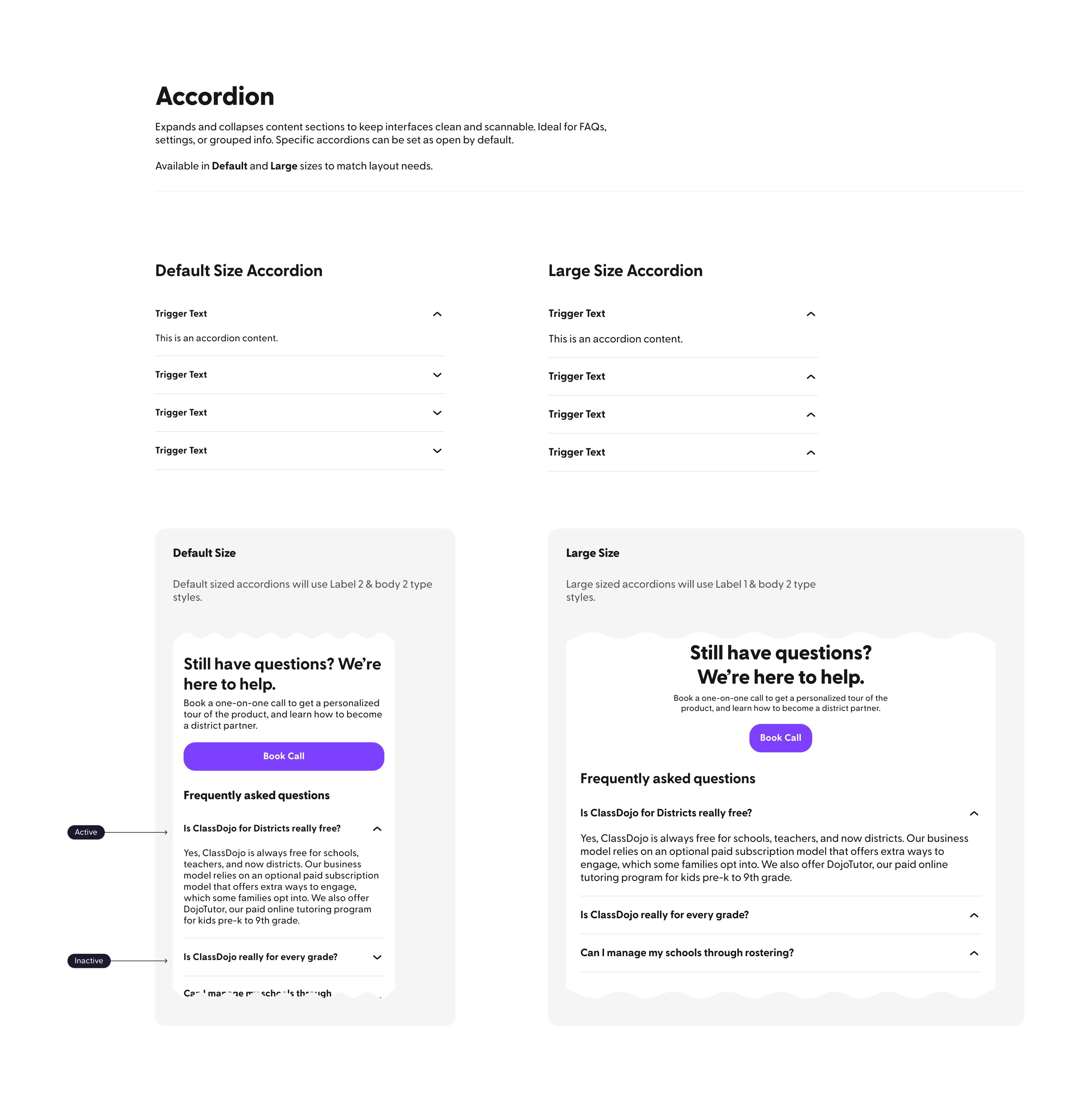
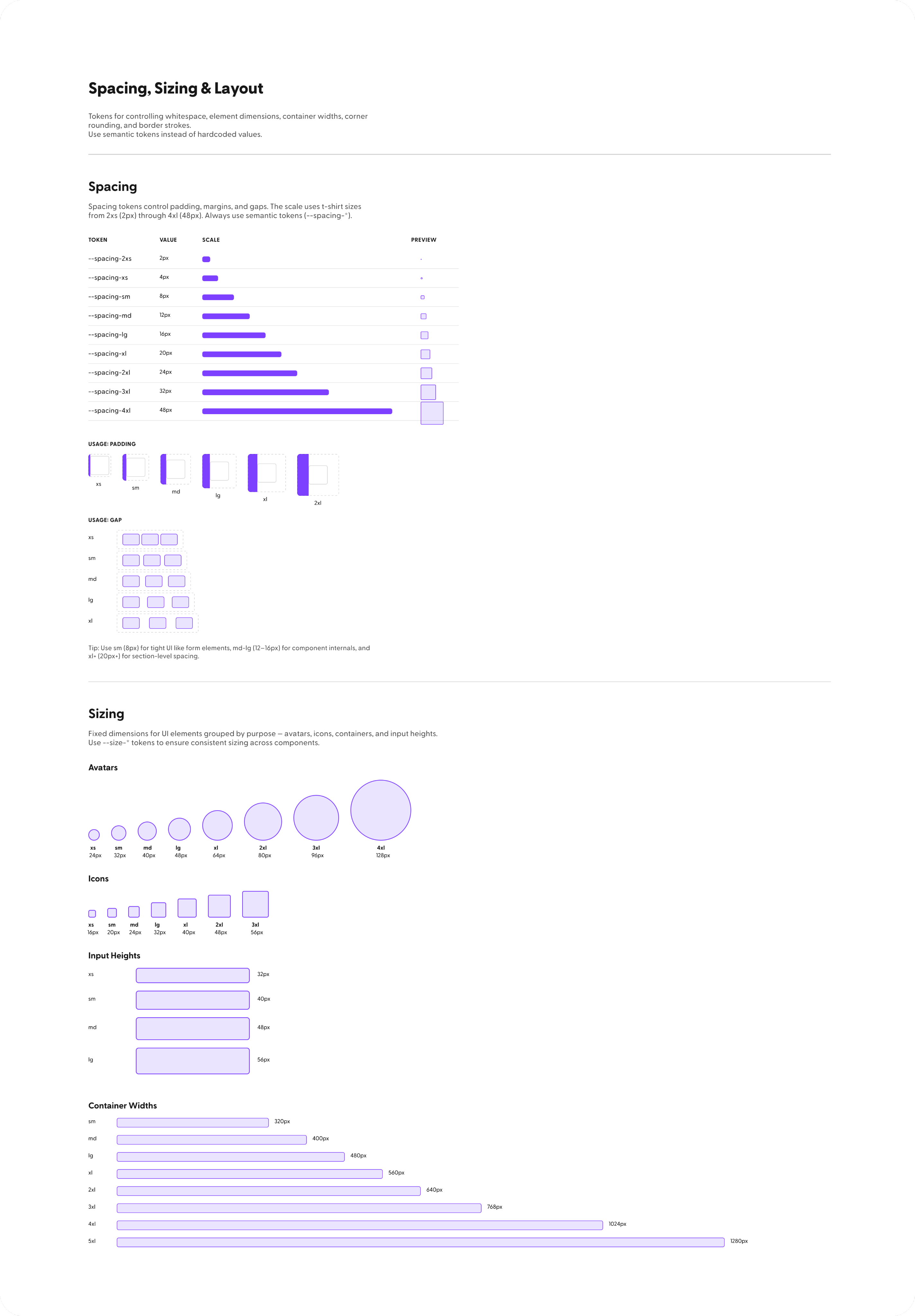
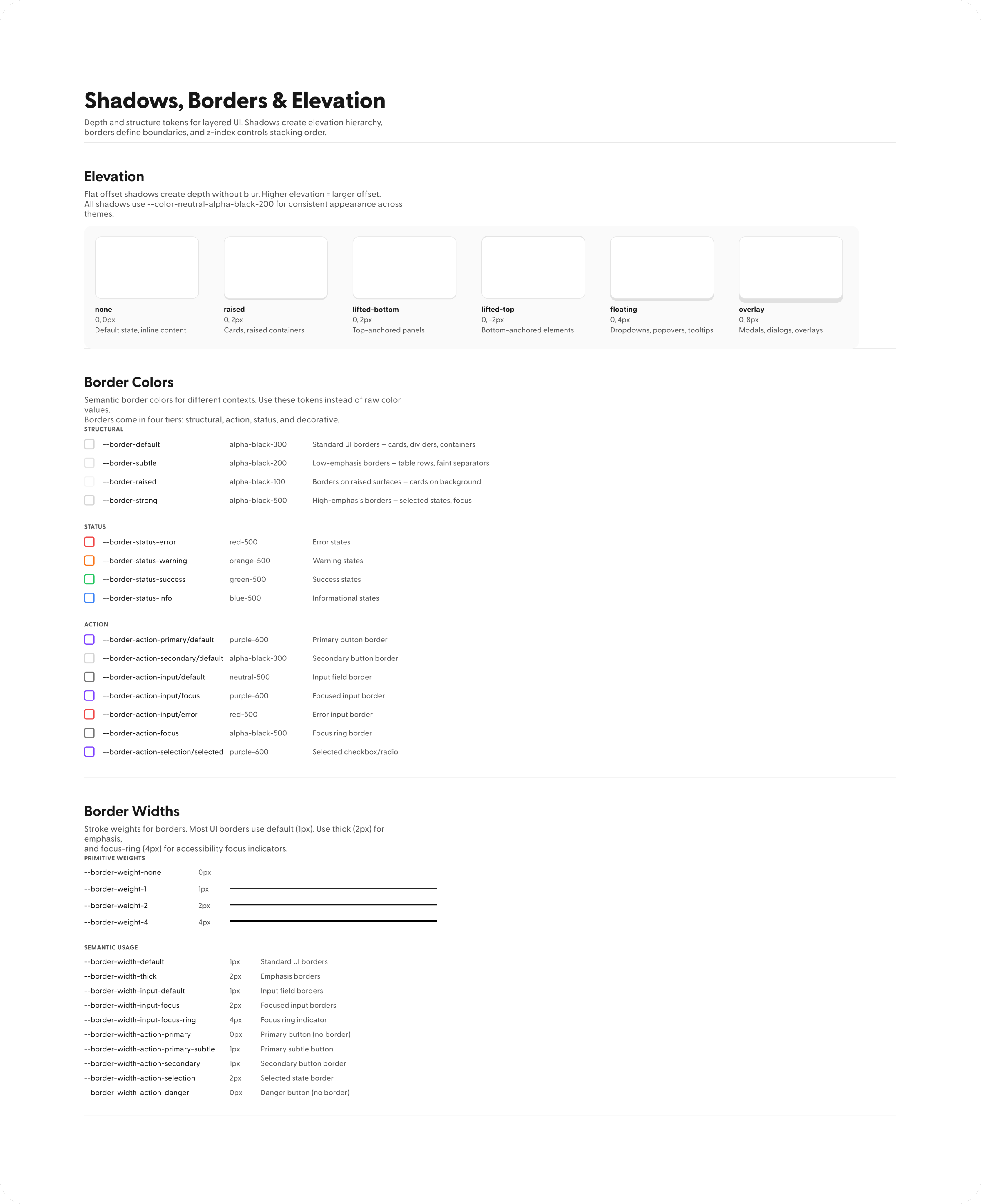
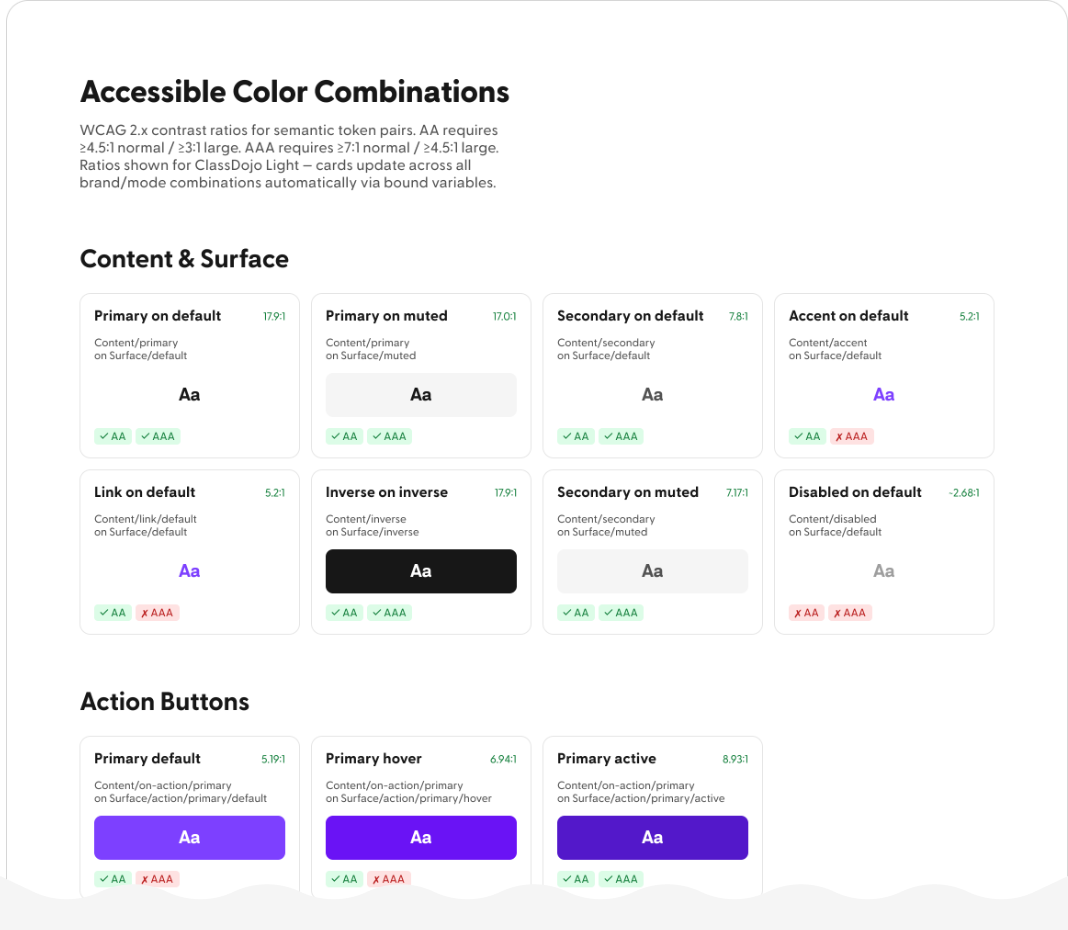
Expanded DDS into a more comprehensive system with deeper color coverage, refined tokens, and stronger infrastructure for scaling design across teams. Used AI to craft components, improve documentation, and keep the system aligned with production UI.
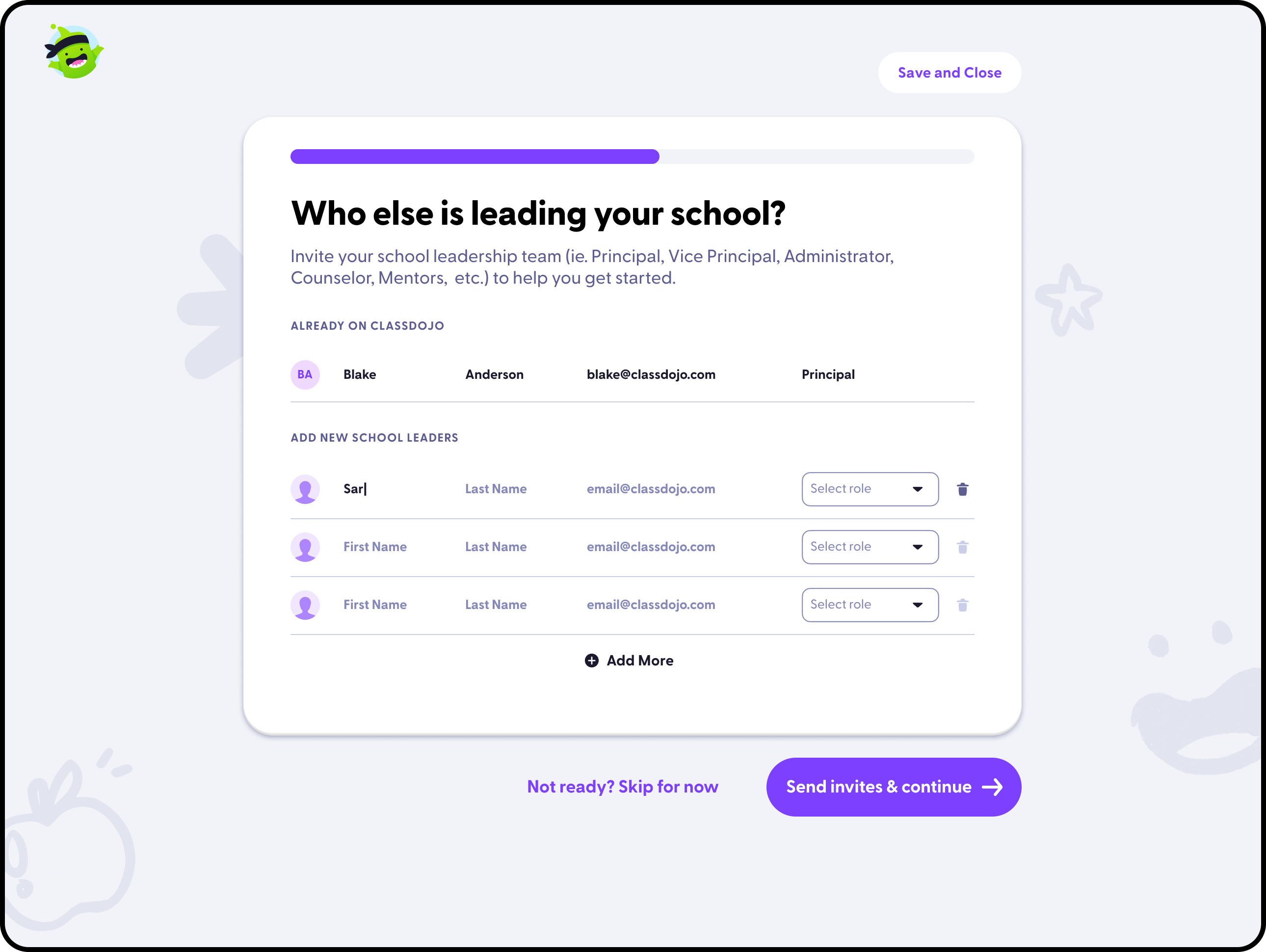
Designed a web hub for schoolwide setup and coordination, helping school leaders move from classroom-level usage into broader school adoption.
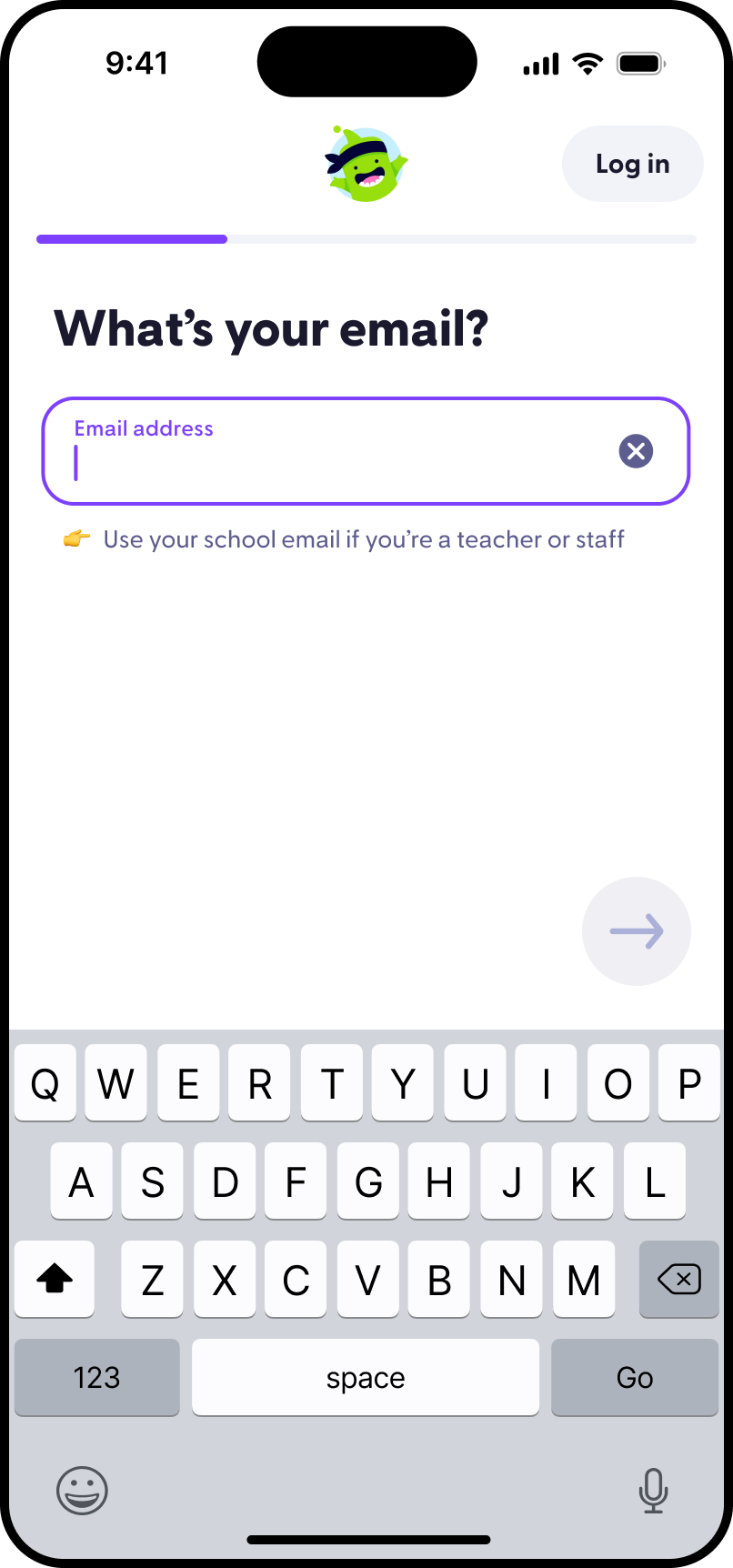
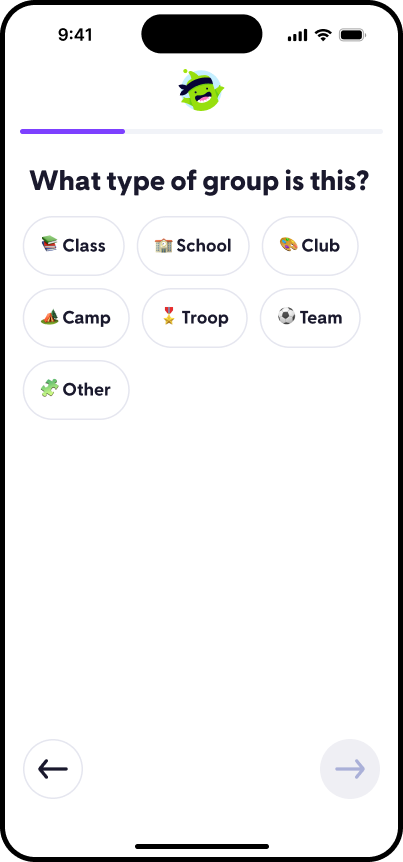
Created a flexible iOS onboarding system that could adapt teacher setup across multiple entry points without fragmenting the experience.
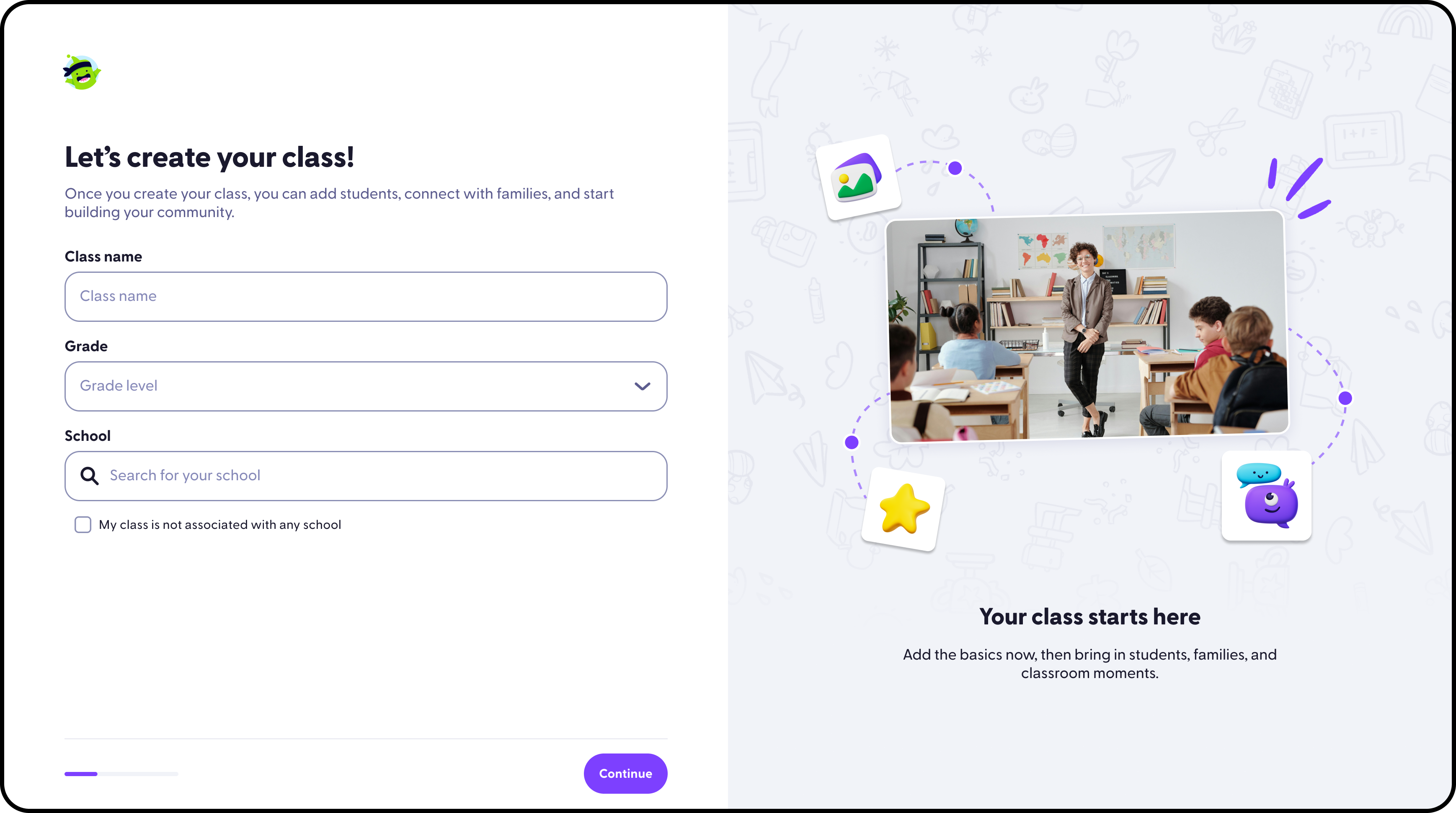
Designed web onboarding flows that helped new teachers understand setup steps, classroom value, and the first actions needed to get started.
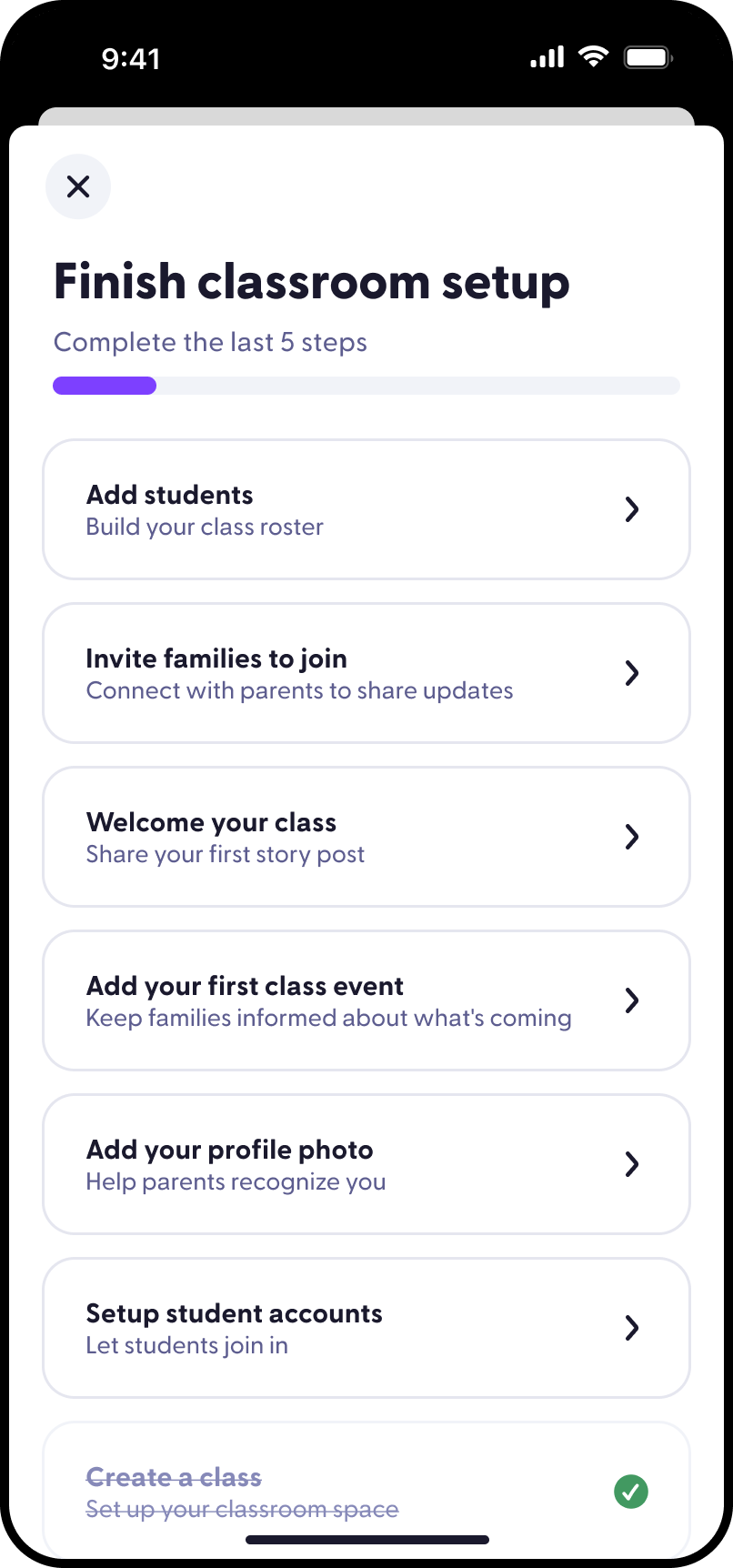
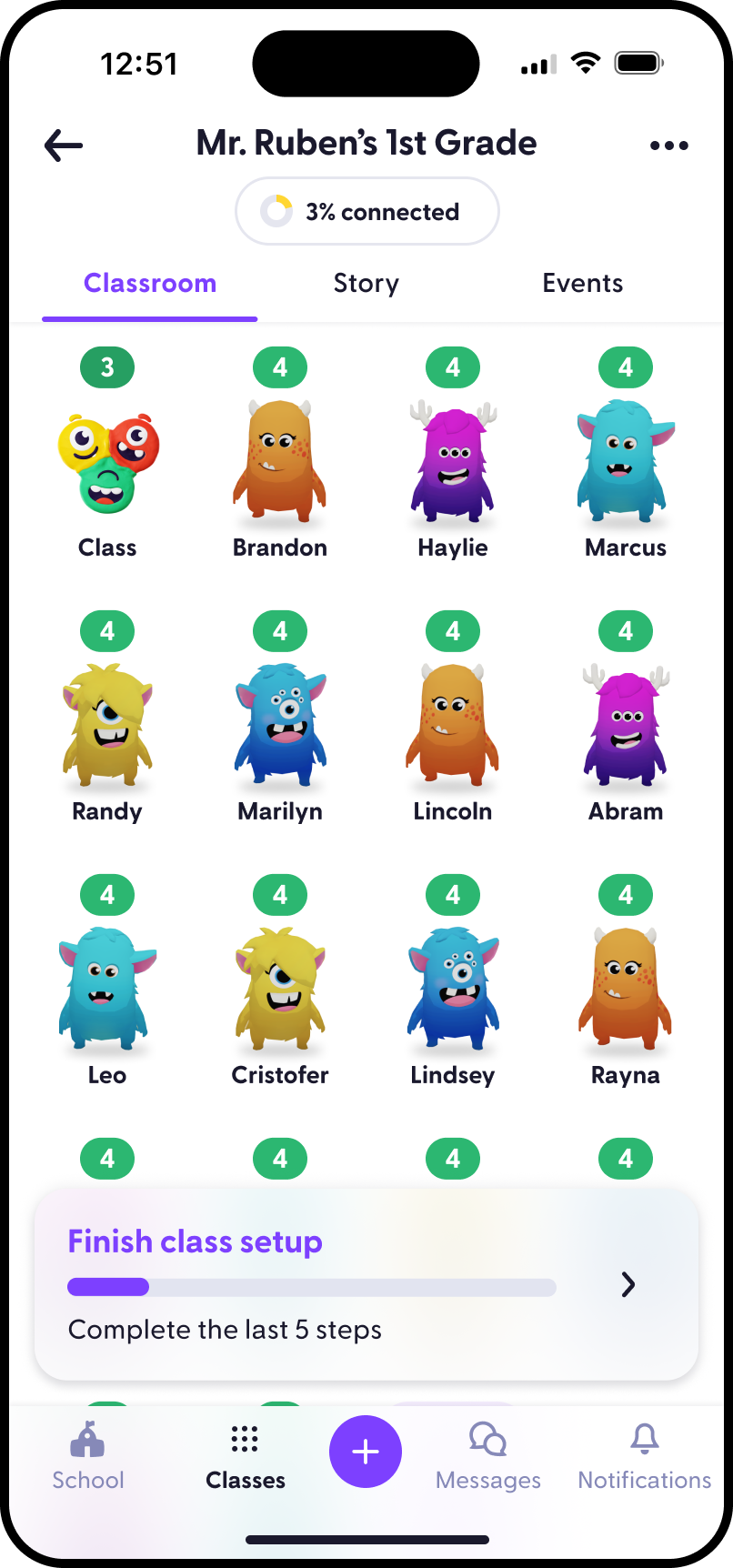
Designed checklist surfaces across iOS and web to guide new teachers through setup, activation, and early family communication.
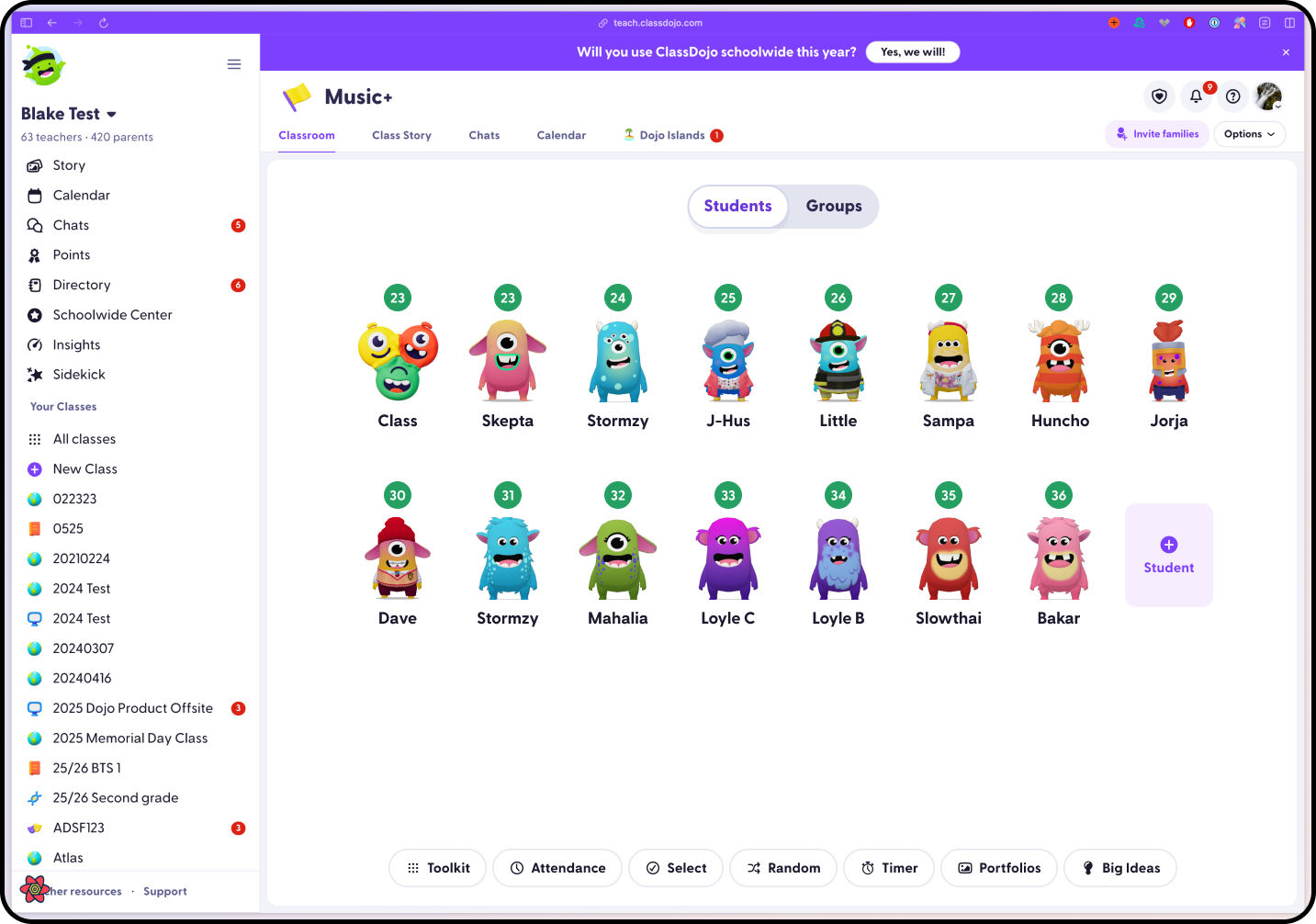
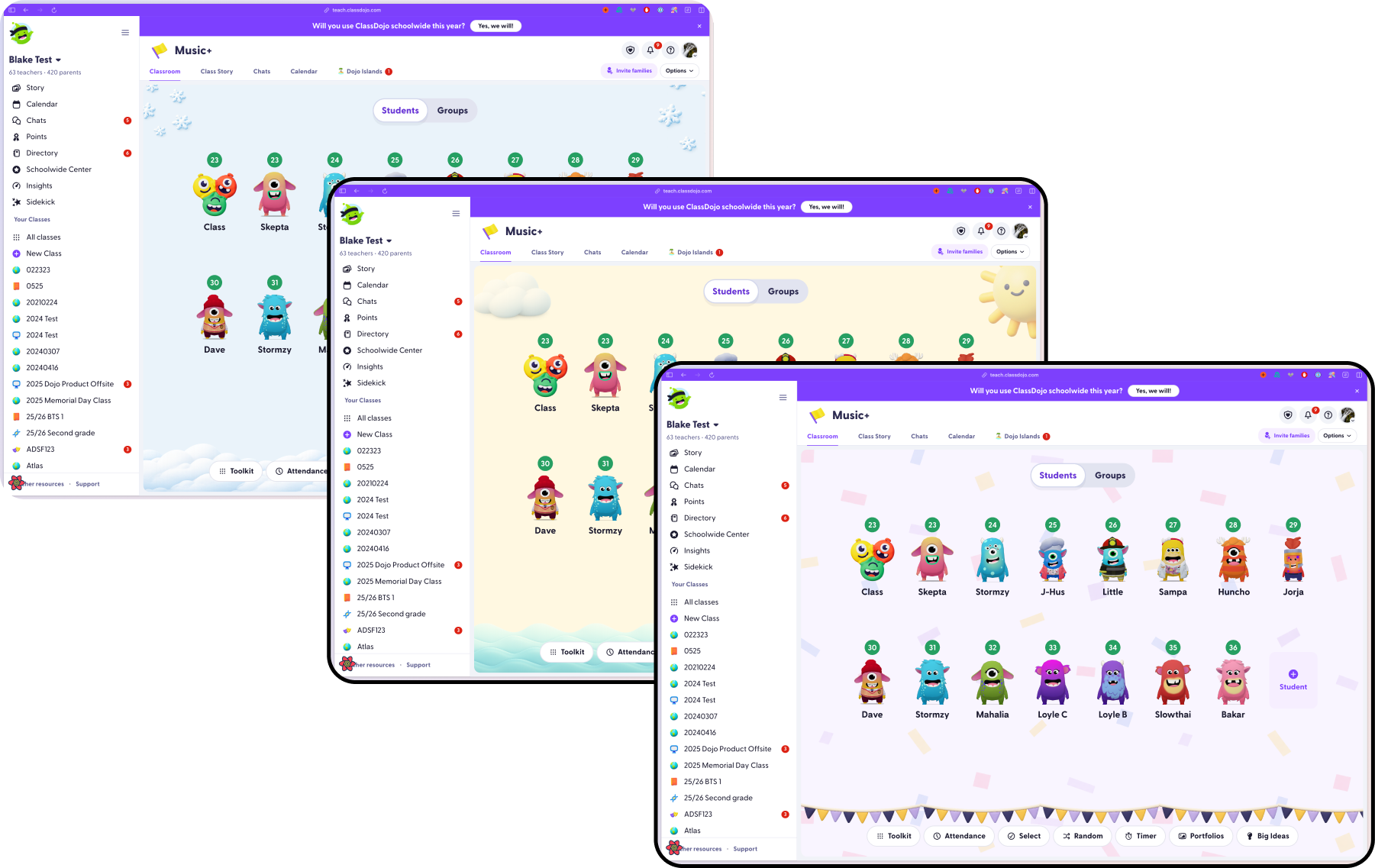
Improved the classroom student grid as a core web surface for scanning students, taking action, and managing classroom state.
Explored classroom theme customization on web, adding expression and ownership to the teacher classroom experience.
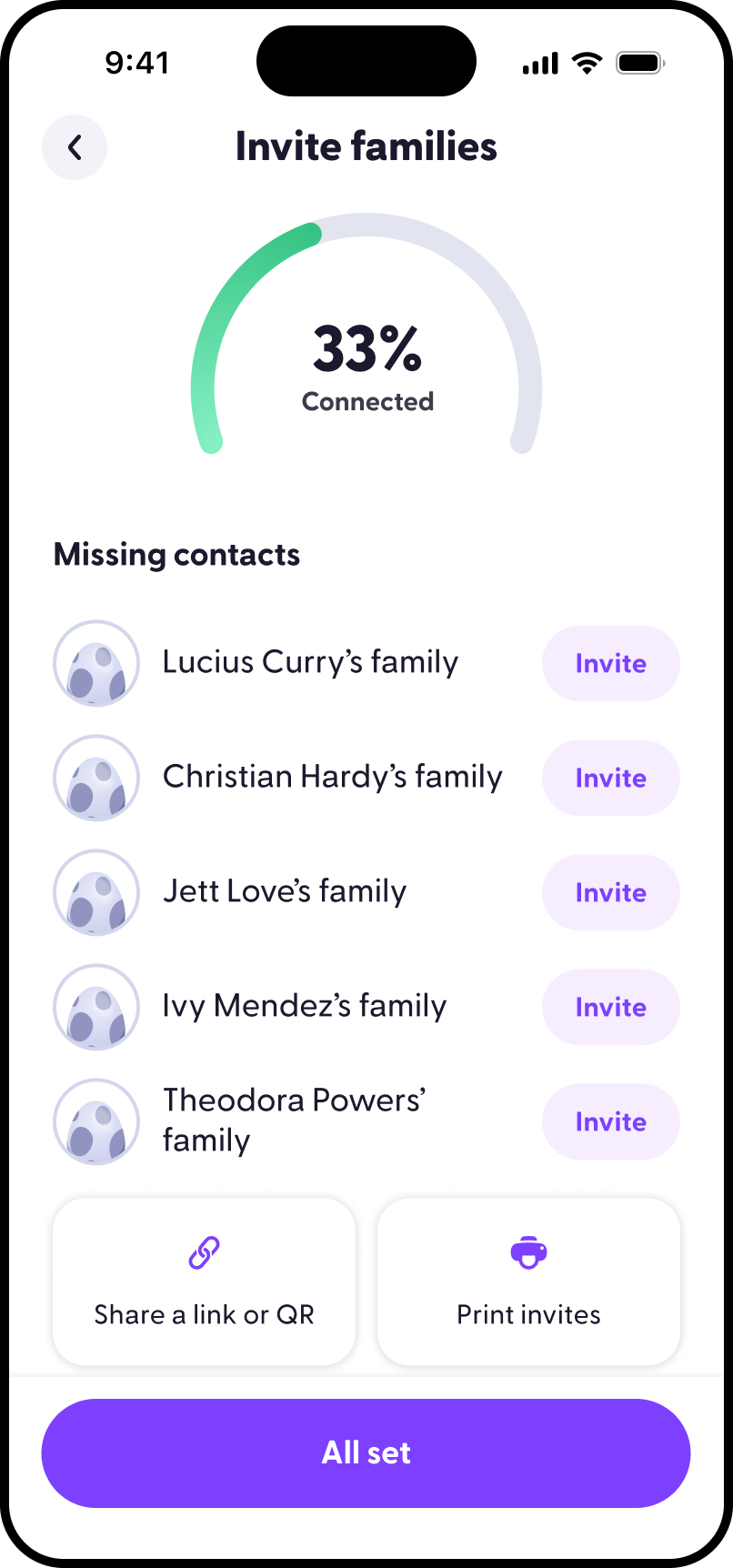
Designed iOS flows that helped teachers invite and connect families, reducing friction around one of ClassDojo's most important loops.
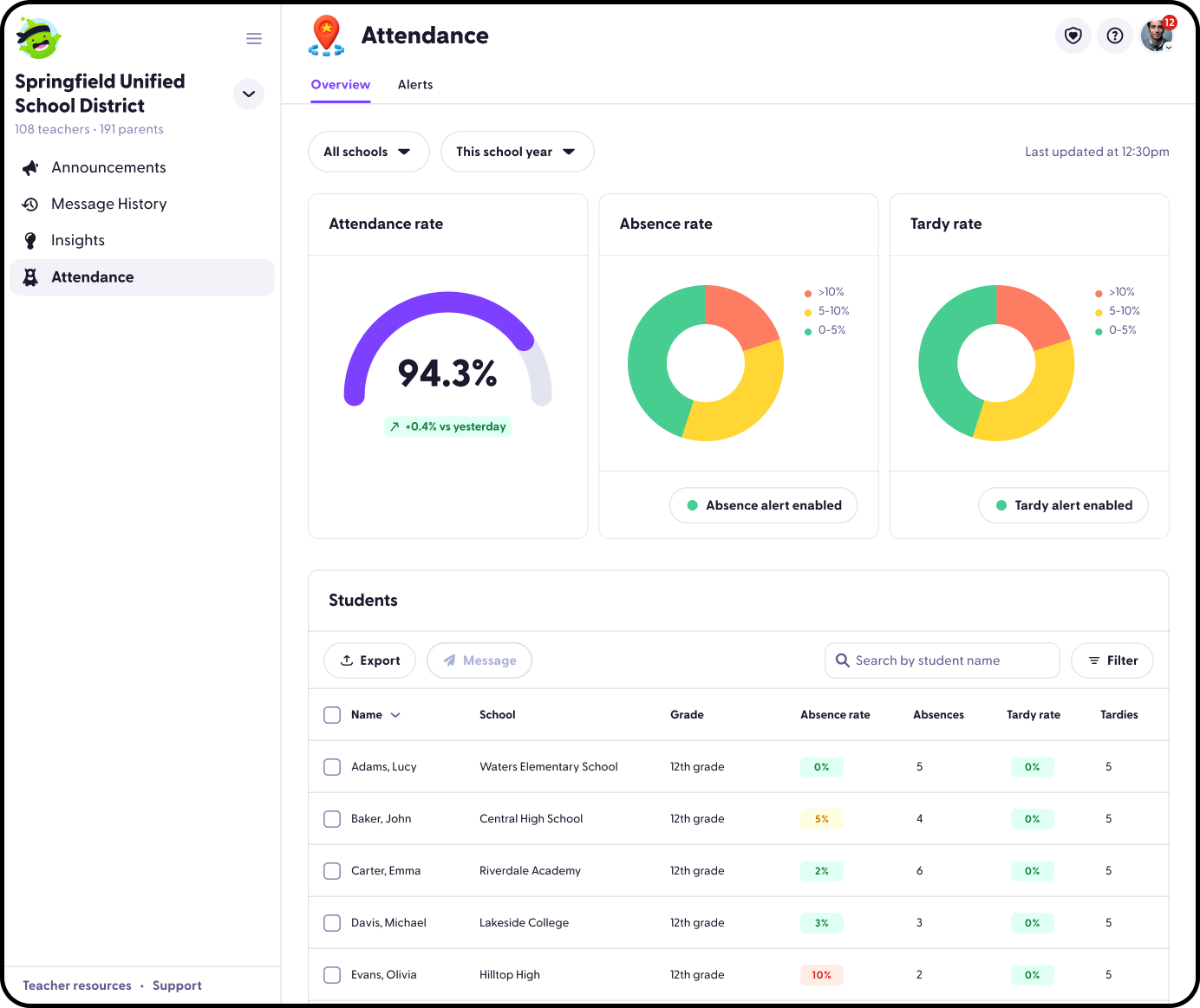
Designed district attendance workflows on web for tracking participation and supporting school or district-level operational needs.
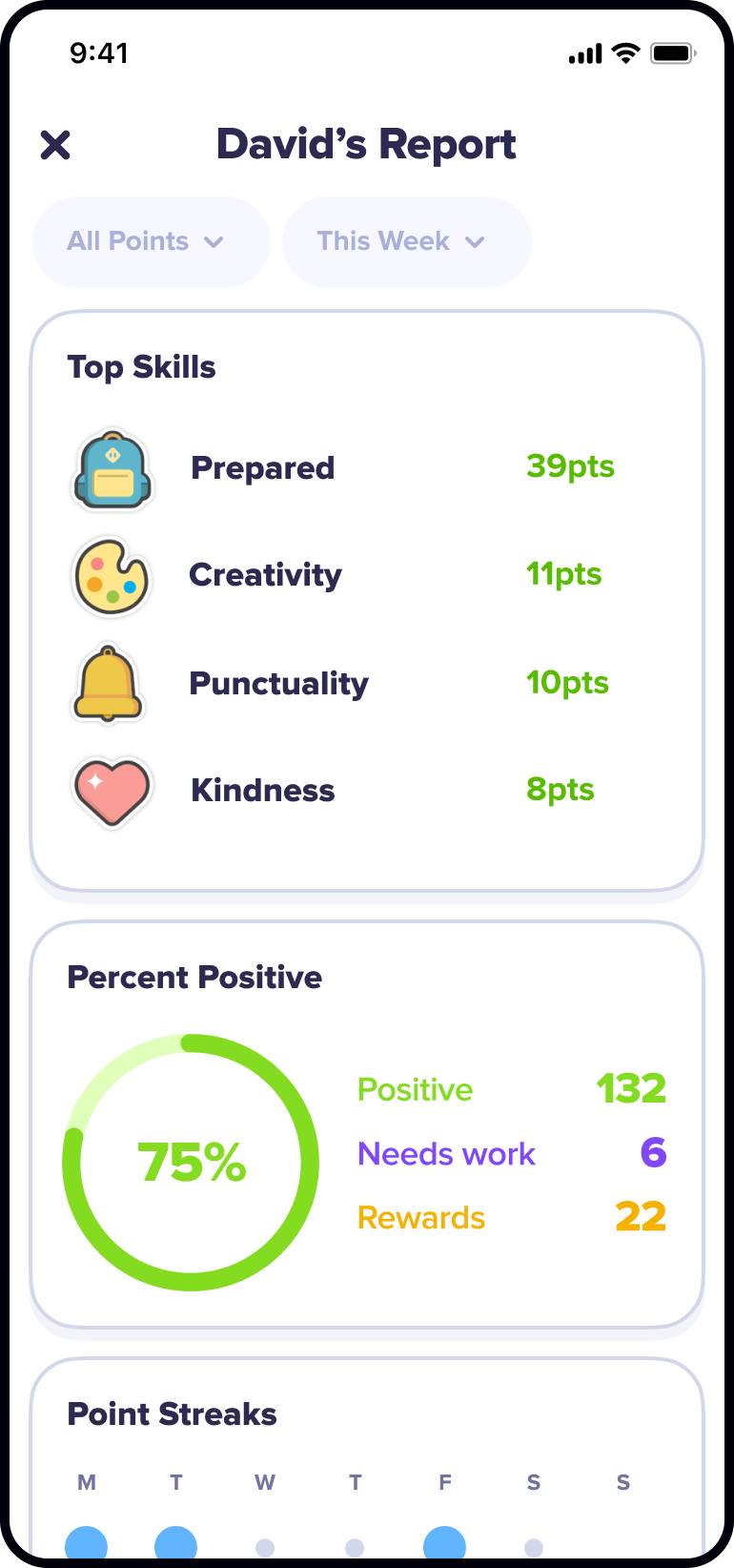
Designed iOS report surfaces that made student progress easier for families to understand and revisit.
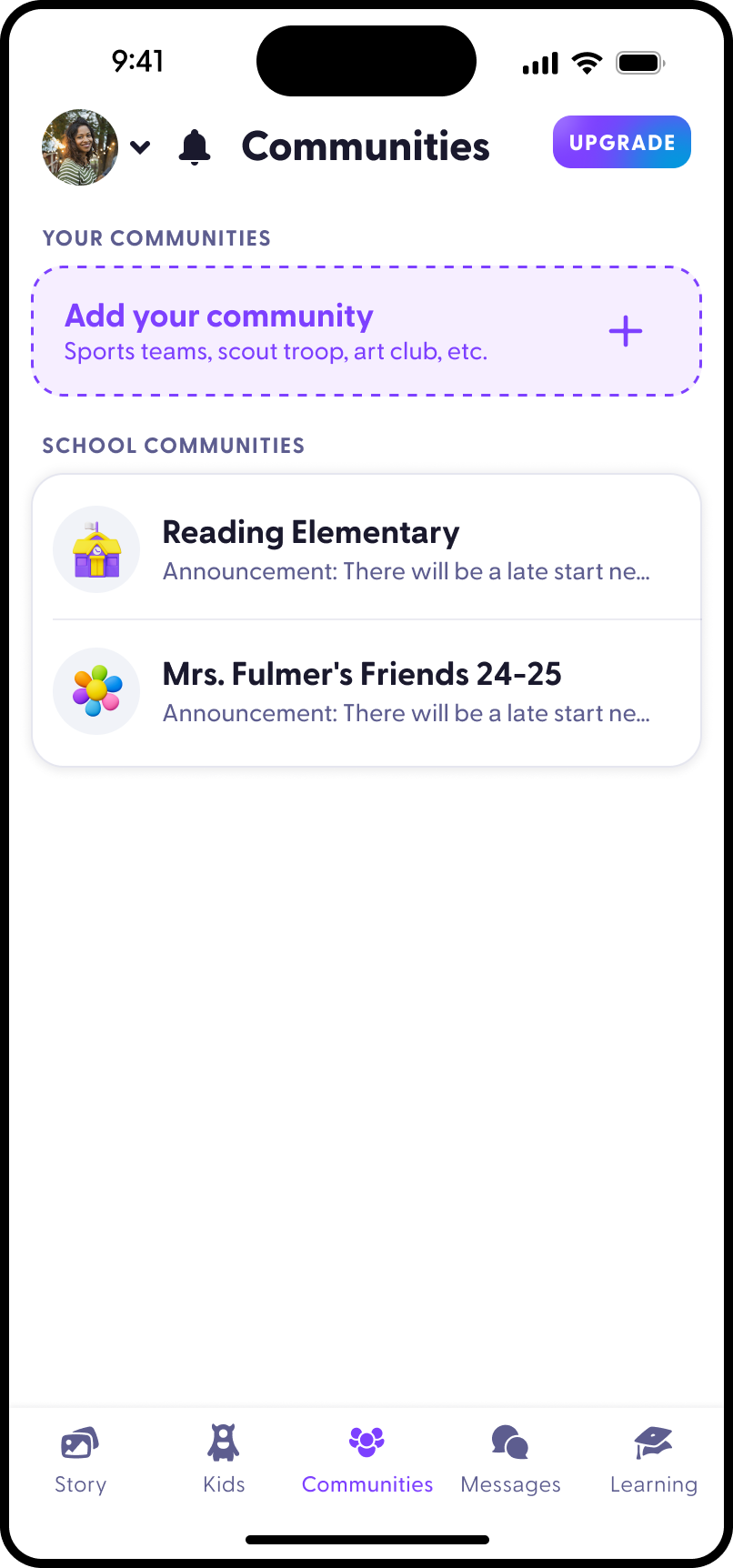
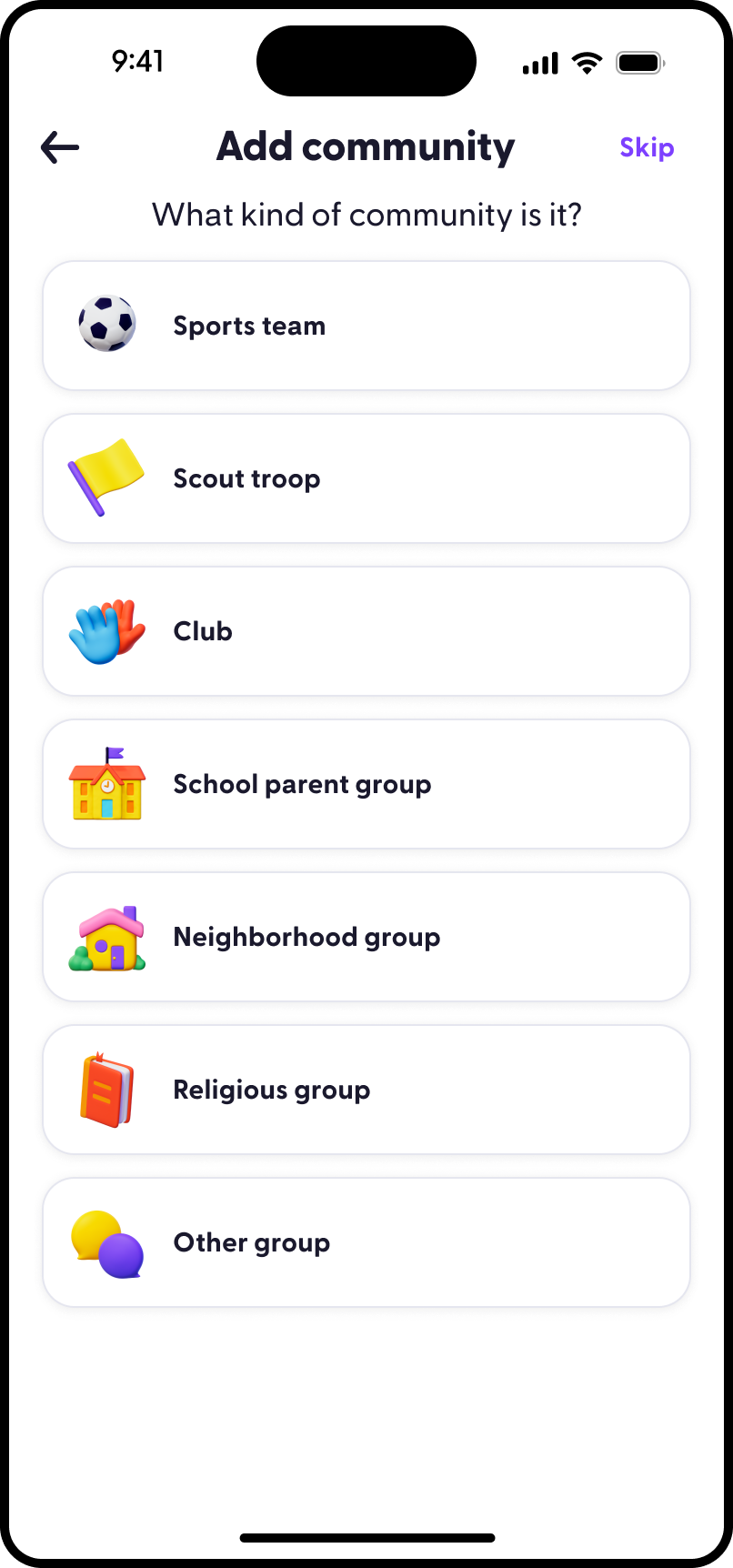
Designed iOS community surfaces for parent participation, discovery, and communication beyond a single classroom thread.
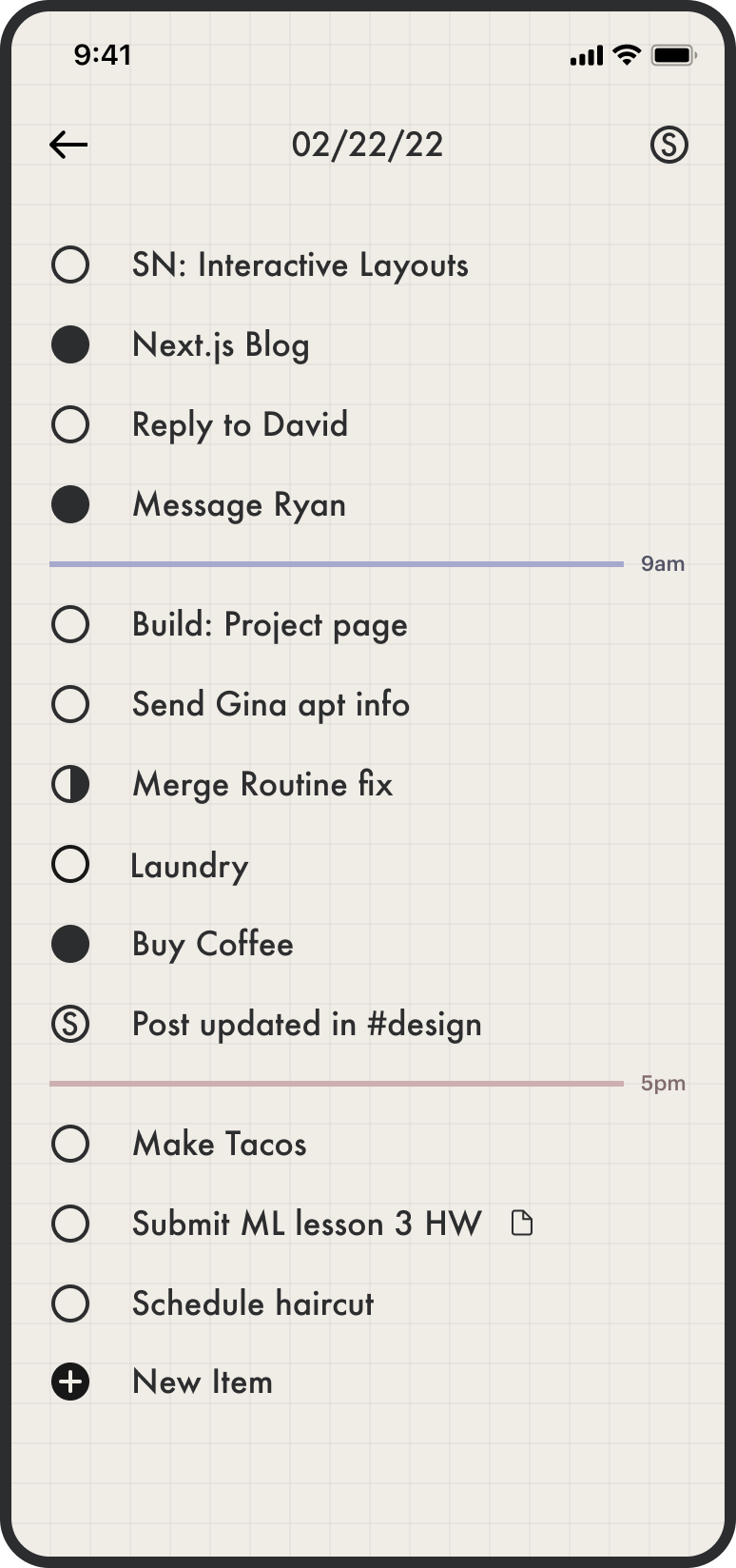
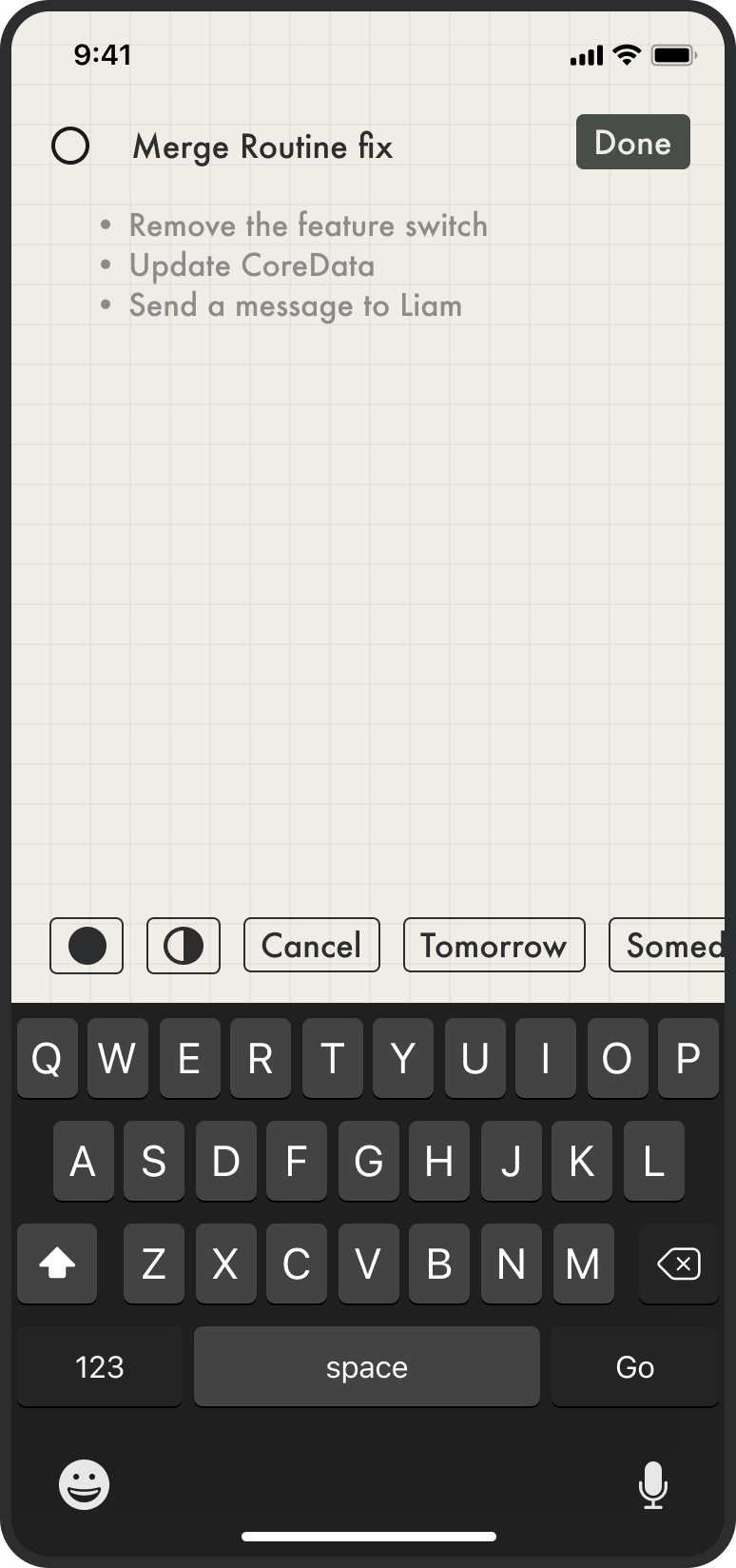
Designed and built a personal iOS task app for lightweight field capture, task organization, and fast everyday follow-through.
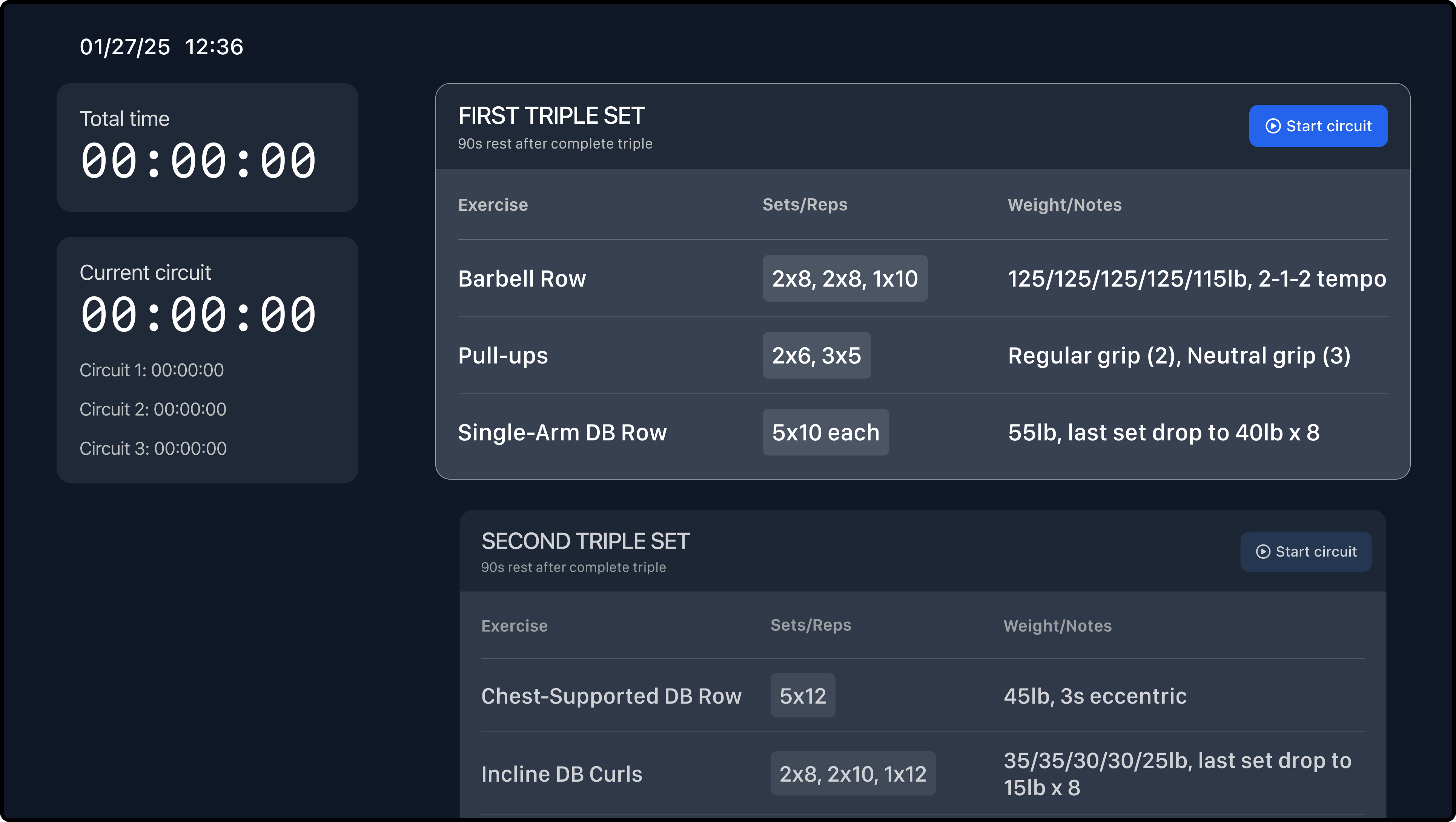
Designed and built a personal workout programming system across iOS, tvOS, and web for planning, logging, and running training sessions.
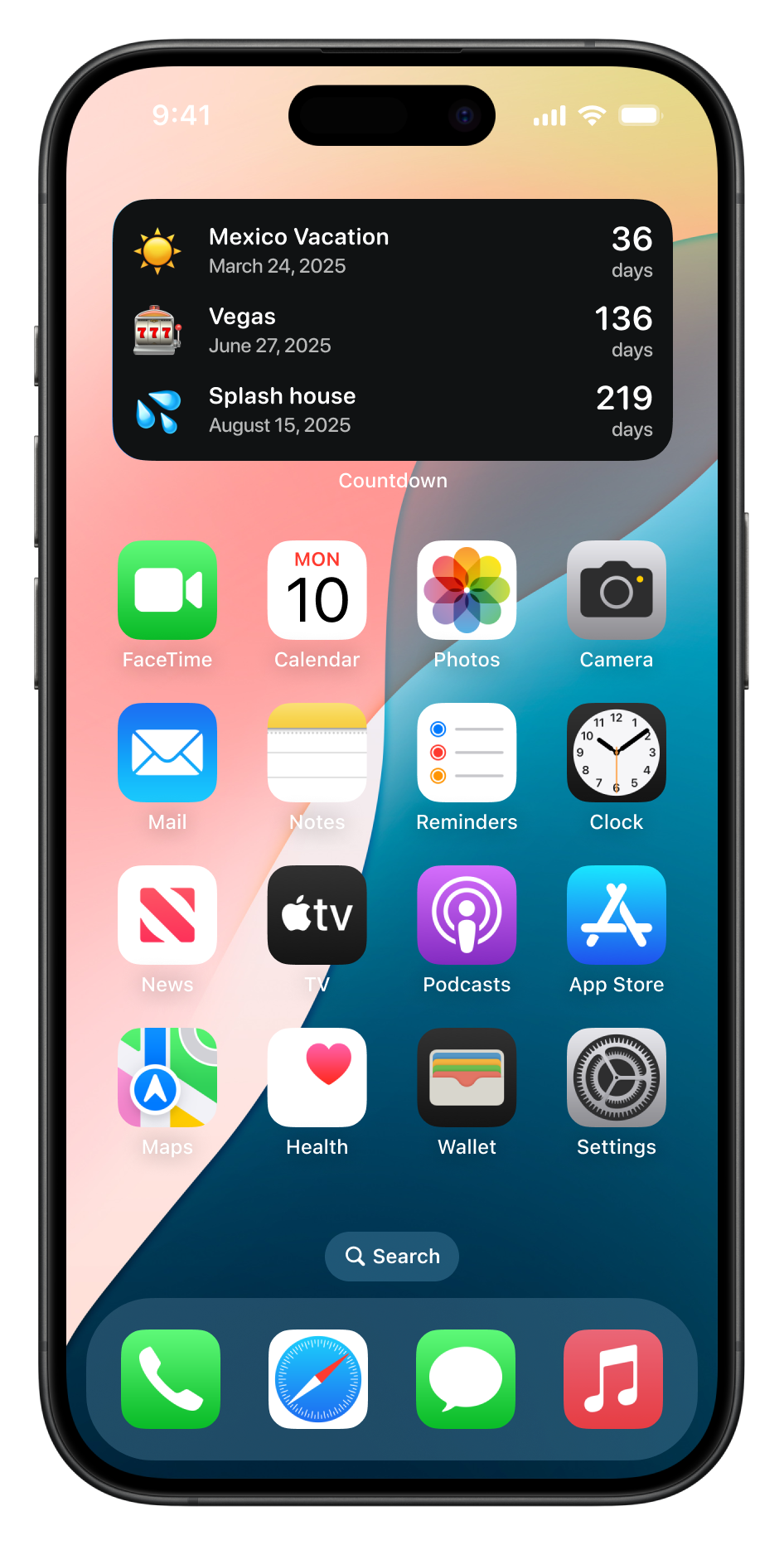
Designed and built a personal iOS countdown widget for tracking meaningful upcoming dates at a glance.
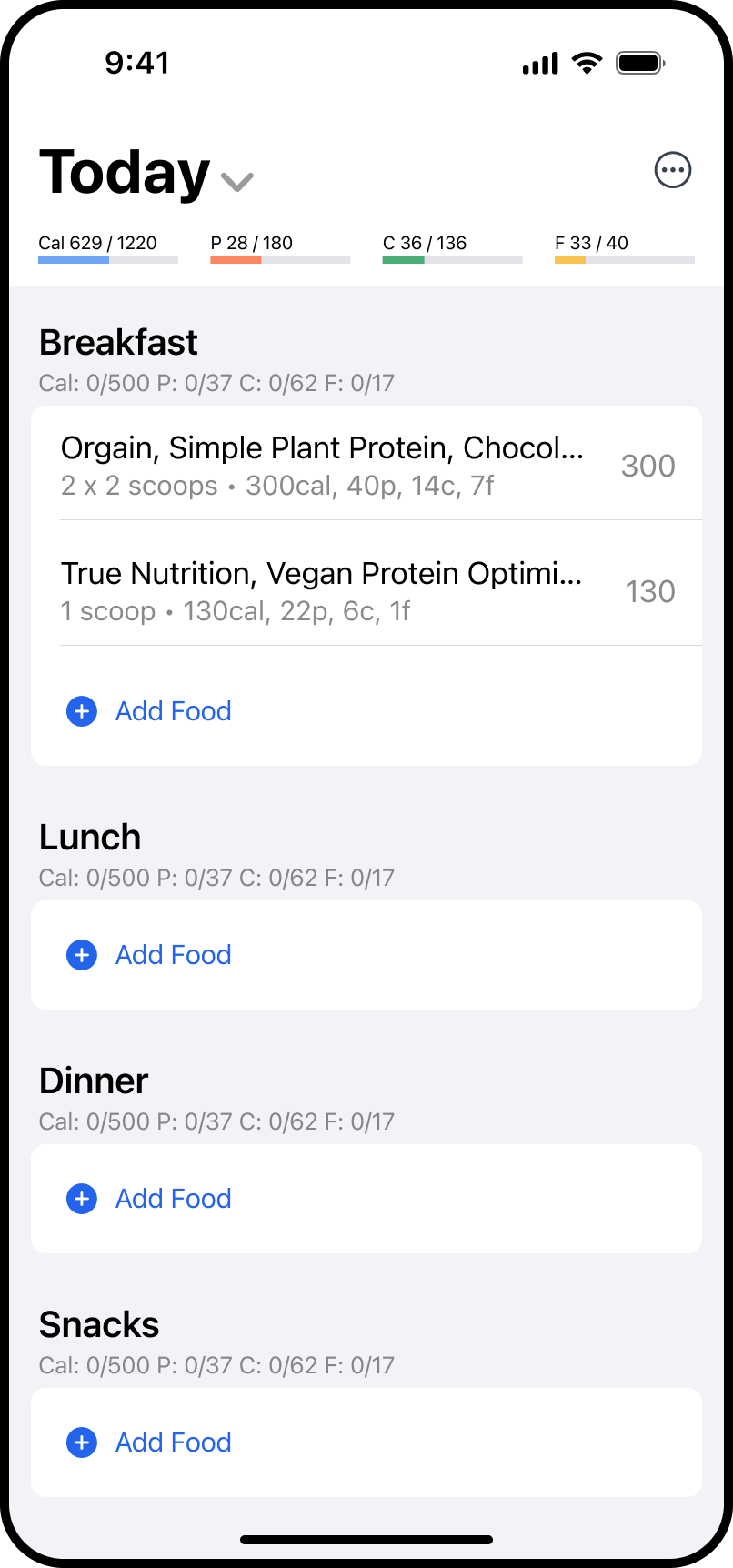
Designed and built a personal iOS nutrition tracker for fast food logging, macro awareness, and daily health feedback.
I’m Blake Anderson, a product designer and design engineer who likes working close to the outcome. I’m happiest in the messy middle of product, growth, brand, and implementation: shaping the strategy, designing the system, and building enough of it to learn quickly.
I like tight loops between thinking, making, shipping, and measuring. I’ll sketch the product shape, sweat the interface details, write production code when it helps, and use data to sharpen the next decision instead of treating design as a handoff.
I help teams turn fuzzy product opportunities into shipped experiences. My work spans product strategy, interaction design, visual systems, growth experiments, front-end engineering, and the connective tissue between them.
I use AI as a creative and technical multiplier, not a replacement for taste. It helps me explore more directions, move faster through production, document systems, prototype ideas, and pressure-test decisions while keeping the final judgment human.
The best way to reach me is by email at hey@banders.design. If you have a project in mind, a little context up front helps me understand where I can be most useful.